Overview
[!TIP] Using Azure DevOps? See Lab 07-ADO — ADO YAML Pipelines and Cost Gates for the ADO variant of this lab.
Learning Objectives
By the end of this lab, you will be able to:
- Build a GitHub Actions workflow with matrix strategy for multi-app scanning
- Configure OIDC authentication for Azure using workload identity federation
- Implement a PR cost gate workflow using Infracost
- Set up cross-repo SARIF upload via the GitHub Code Scanning API
- Trigger, monitor, and debug workflow runs
Exercises
Exercise 7.1: Review Scan Workflow
You will walk through the centralised scanning workflow that runs all 4 tools across all 5 demo apps.
-
Open
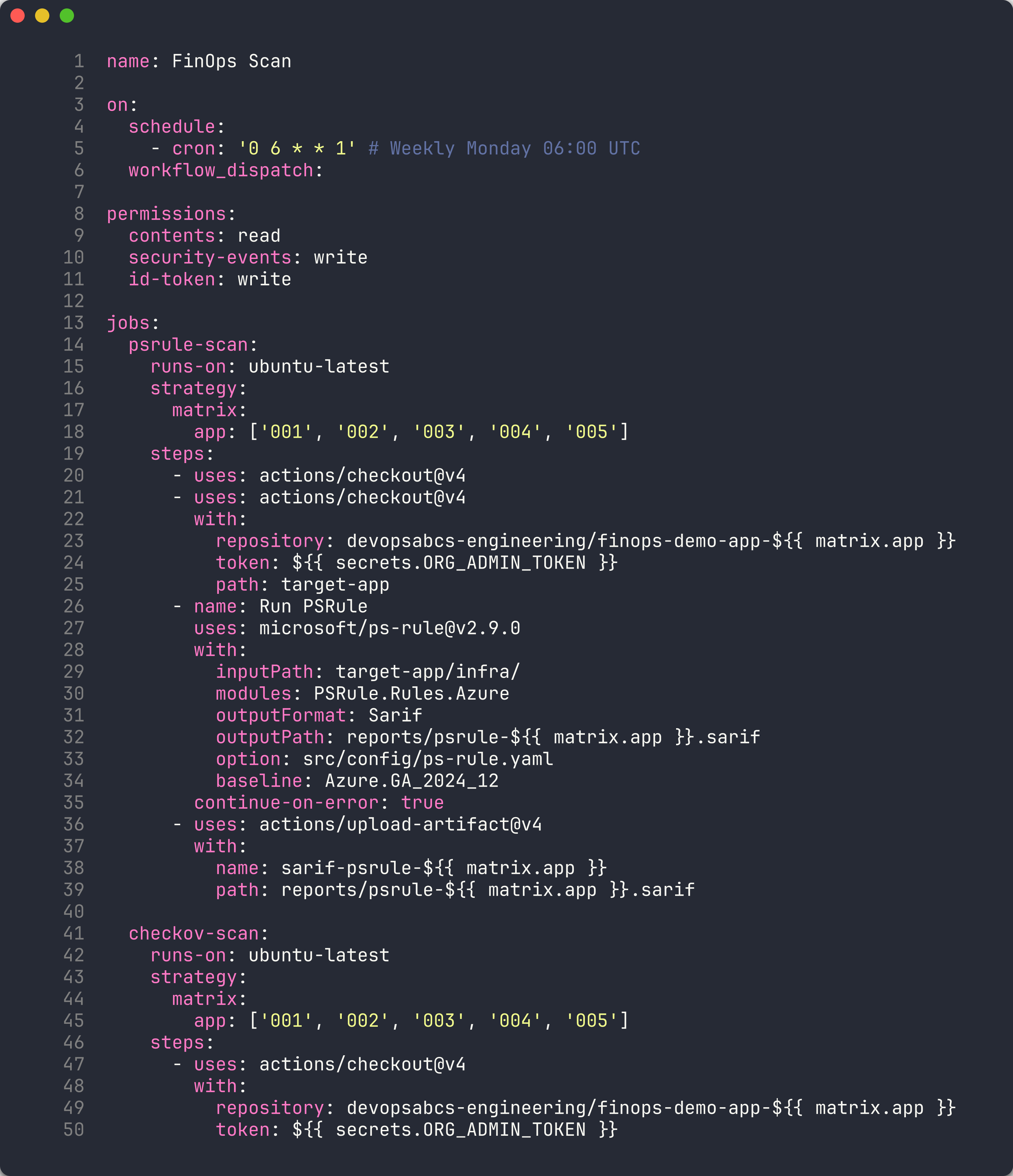
.github/workflows/finops-scan.ymland review the overall architecture:finops-scan.yml ├── psrule-scan (matrix: 5 apps) → SARIF artifacts ├── checkov-scan (matrix: 5 apps) → SARIF artifacts ├── custodian-scan (matrix: 5 apps) → SARIF artifacts └── cross-repo-upload (matrix: 5 apps) └── Downloads all SARIF → uploads to each demo app's Security tab -
Review the workflow triggers:
on:
  schedule:
    - cron: '0 6 * * 1'  # Weekly Monday 06:00 UTC
  workflow_dispatch:
The workflow runs on a weekly schedule and can be triggered manually.
-
Review the permissions block:
permissions:
  contents: read
  security-events: write
  id-token: write
contents: read— checks out repository codesecurity-events: write— uploads SARIF to Code Scanningid-token: write— requests OIDC tokens for Azure authentication
-
Review the matrix strategy used by each scan job:
strategy:
  matrix:
    app: ['001', '002', '003', '004', '005']
This creates 5 parallel jobs — one for each demo app. Each job checks out the corresponding demo app repo and runs the scanner against it.
- Review the
psrule-scanjob steps:- Checkout scanner repo — gets the PSRule configuration and SARIF converters
- Checkout target app — clones the demo app repo into
target-app/ - Run PSRule — uses the
microsoft/ps-rule@v2.9.0action with theAzure.GA_2024_12baseline - Upload artifact — saves the SARIF file as a build artifact for the cross-repo upload job
- Review the
custodian-scanjob. Unlike PSRule and Checkov, Cloud Custodian:- Authenticates to Azure using OIDC (
azure/login@v2) - Runs against live resources instead of IaC files
- Uses
continue-on-error: trueto prevent scan failures from blocking the pipeline - Converts JSON output to SARIF using
custodian-to-sarif.py
- Authenticates to Azure using OIDC (
- Review the
cross-repo-uploadjob (covered in Lab 06, Exercise 6.5). Note how it depends on all three scan jobs and runs even if the custodian scan fails.
[!TIP] The matrix strategy multiplies the number of jobs: 3 scanners × 5 apps = 15 scan jobs + 5 upload jobs = 20 total jobs. GitHub Actions runs matrix jobs in parallel, so the entire scan completes in the time of the slowest individual job.
Exercise 7.2: OIDC Setup
You will configure Azure OIDC federation so GitHub Actions can authenticate without storing secrets.
-
Run the OIDC setup script:
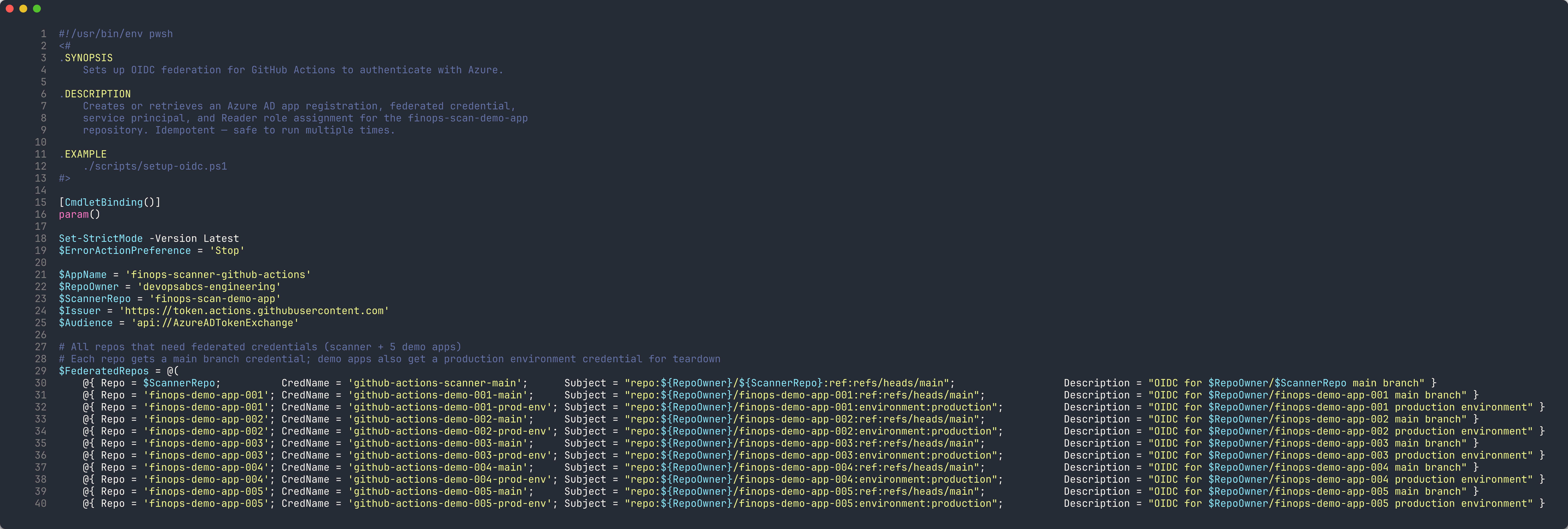
./scripts/setup-oidc.ps1 - The script performs 5 steps:
- App registration — creates or retrieves an Azure AD app named
finops-scanner-github-actions - Federated credentials — creates OIDC credentials for each repo and branch combination
- Service principal — creates or retrieves the service principal for the app
- Role assignment — grants
Readerrole on the subscription - Summary — displays the Client ID, Tenant ID, and Subscription ID to configure as GitHub secrets
- App registration — creates or retrieves an Azure AD app named
-
Review the federated credential subject format:
repo:devopsabcs-engineering/finops-scan-demo-app:ref:refs/heads/main
repo:devopsabcs-engineering/finops-demo-app-001:environment:production
Each credential maps a specific GitHub repository + branch (or environment) to the Azure AD app. This is the OIDC subject claim that Azure validates when issuing tokens.
- After the script completes, add the following secrets to your GitHub repository settings:
AZURE_CLIENT_ID— the app registration’s client IDAZURE_TENANT_ID— your Azure AD tenant IDAZURE_SUBSCRIPTION_ID— the target subscription ID
[!IMPORTANT] OIDC federation eliminates the need for client secrets or certificates. The GitHub Actions runner requests a short-lived token from GitHub’s OIDC provider, and Azure validates it against the federated credential configuration. No long-lived credentials are stored in GitHub Secrets.
Exercise 7.3: Trigger Scan Workflow
You will trigger the scanning workflow manually and monitor its execution.
-
Trigger the workflow using the GitHub CLI:
gh workflow run finops-scan.yml -
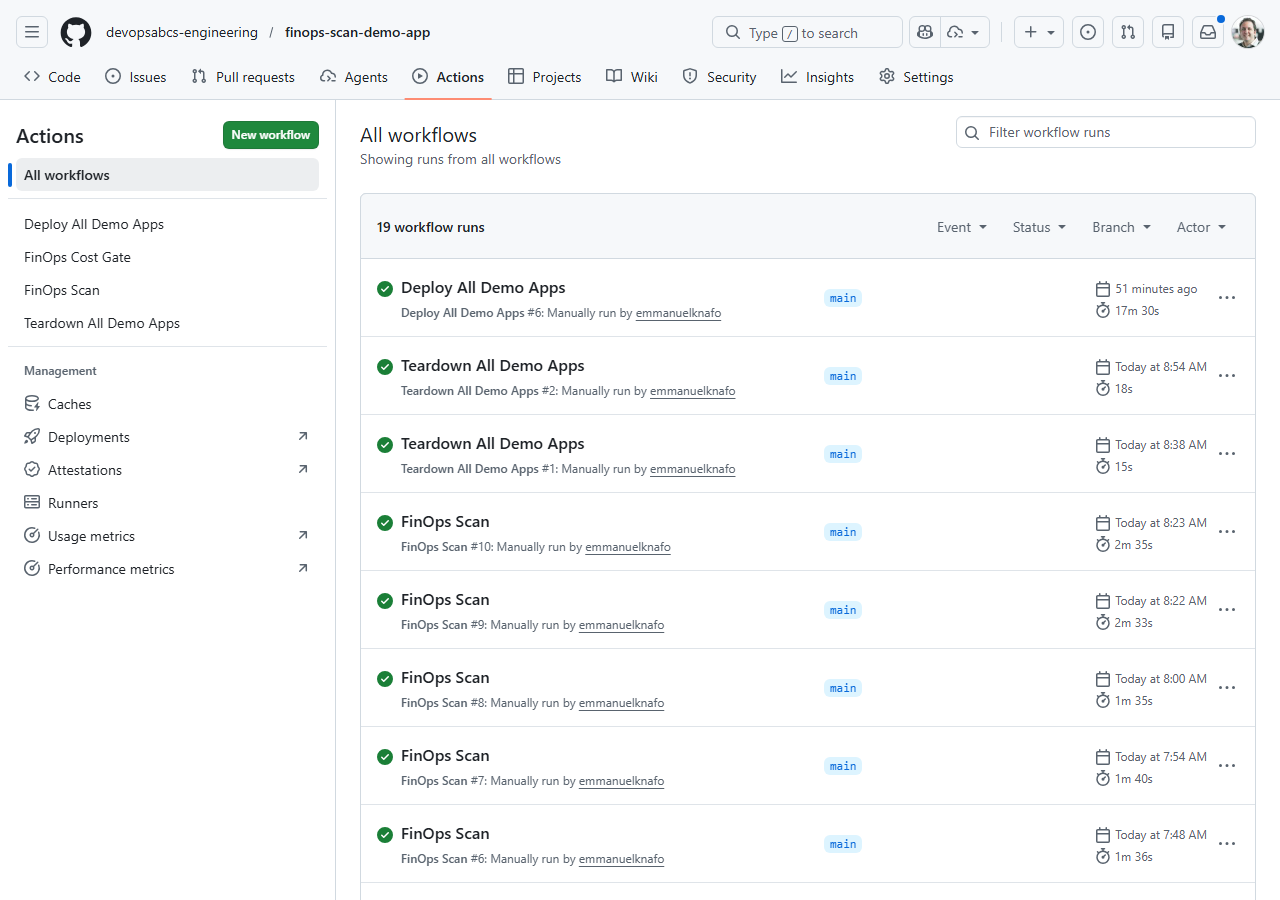
Monitor the workflow run:
gh run watchThis opens an interactive view showing all matrix jobs and their progress.
-
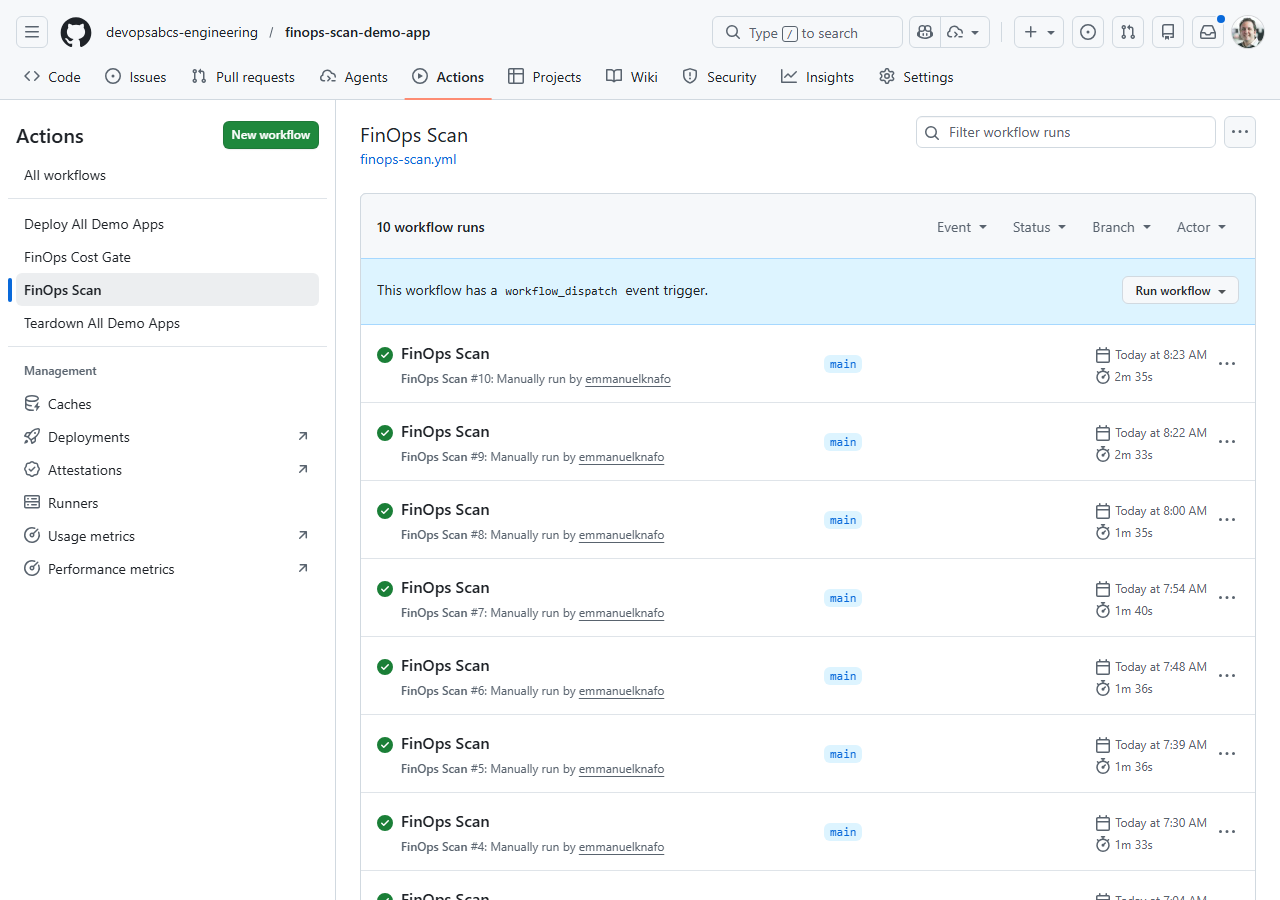
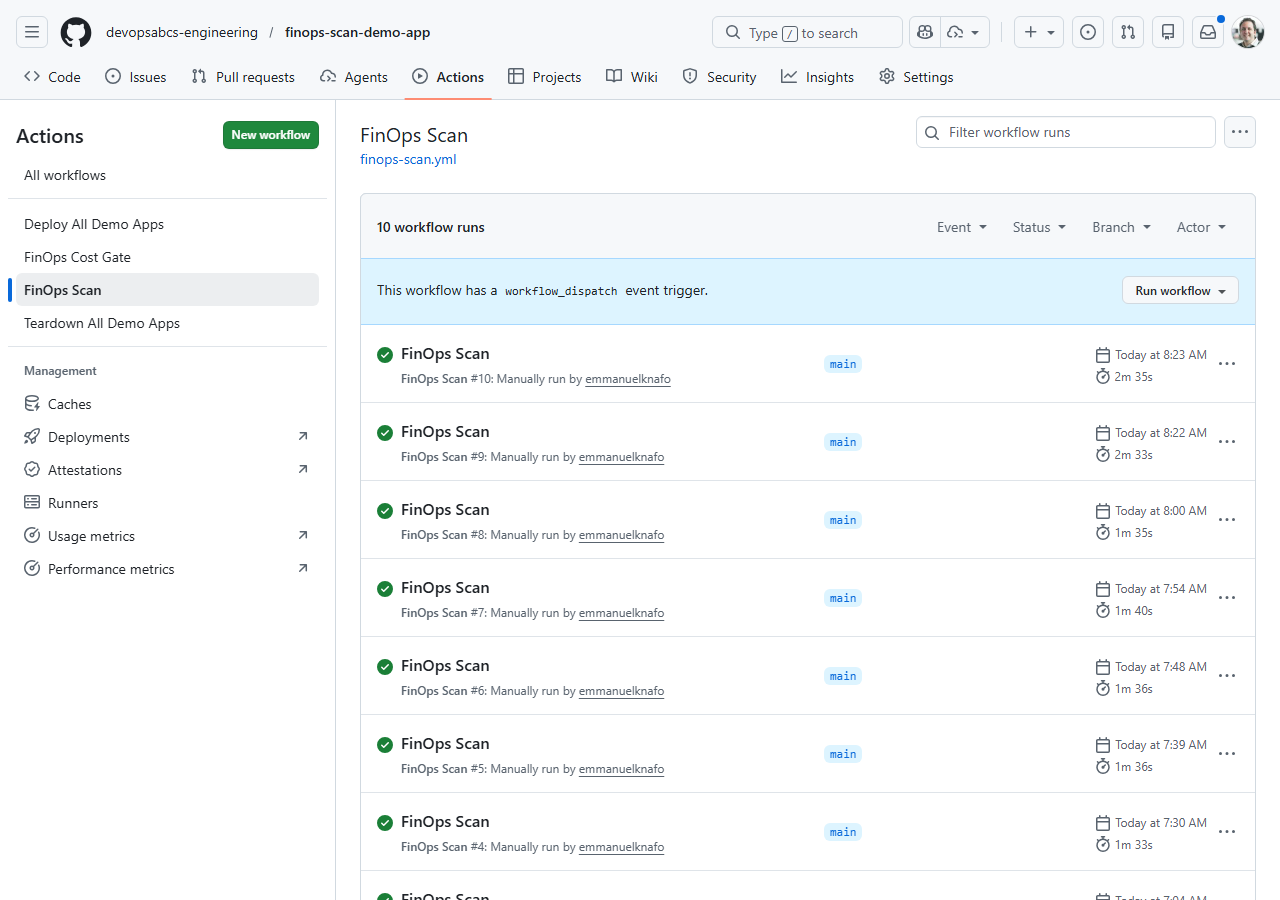
Alternatively, open the repository on GitHub, click Actions, and select the FinOps Scan workflow to watch the run in the browser.
- The workflow creates 20 jobs in total:
- 5 PSRule scan jobs (one per app)
- 5 Checkov scan jobs (one per app)
- 5 Cloud Custodian scan jobs (one per app)
- 5 cross-repo upload jobs (one per app)
- Wait for the run to complete. PSRule and Checkov jobs typically finish in 1–2 minutes. Cloud Custodian jobs may take longer because they query live Azure resources.
[!NOTE] If Cloud Custodian jobs fail with authentication errors, verify that your OIDC credentials are configured correctly (Exercise 7.2) and that the
AZURE_CLIENT_ID,AZURE_TENANT_ID, andAZURE_SUBSCRIPTION_IDsecrets are set in the repository settings.
Exercise 7.4: Review Workflow Results
You will inspect the artifacts, SARIF uploads, and Security tab after the workflow completes.
-
List the workflow artifacts:
gh run view --log -
Download the SARIF artifacts for a specific app:
gh run download -n sarif-psrule-001 gh run download -n sarif-checkov-001 gh run download -n sarif-custodian-001 -
Open the downloaded SARIF files and verify they contain findings.
-
Navigate to each demo app’s repository on GitHub and check the Security tab. The cross-repo upload job should have populated Code Scanning alerts from all three scanners.
-
Compare the findings across tools:
- PSRule — tags, naming, region, and Azure best practice violations
- Checkov — security, encryption, and CIS benchmark violations
- Cloud Custodian — runtime resource state (orphans, oversized, idle)
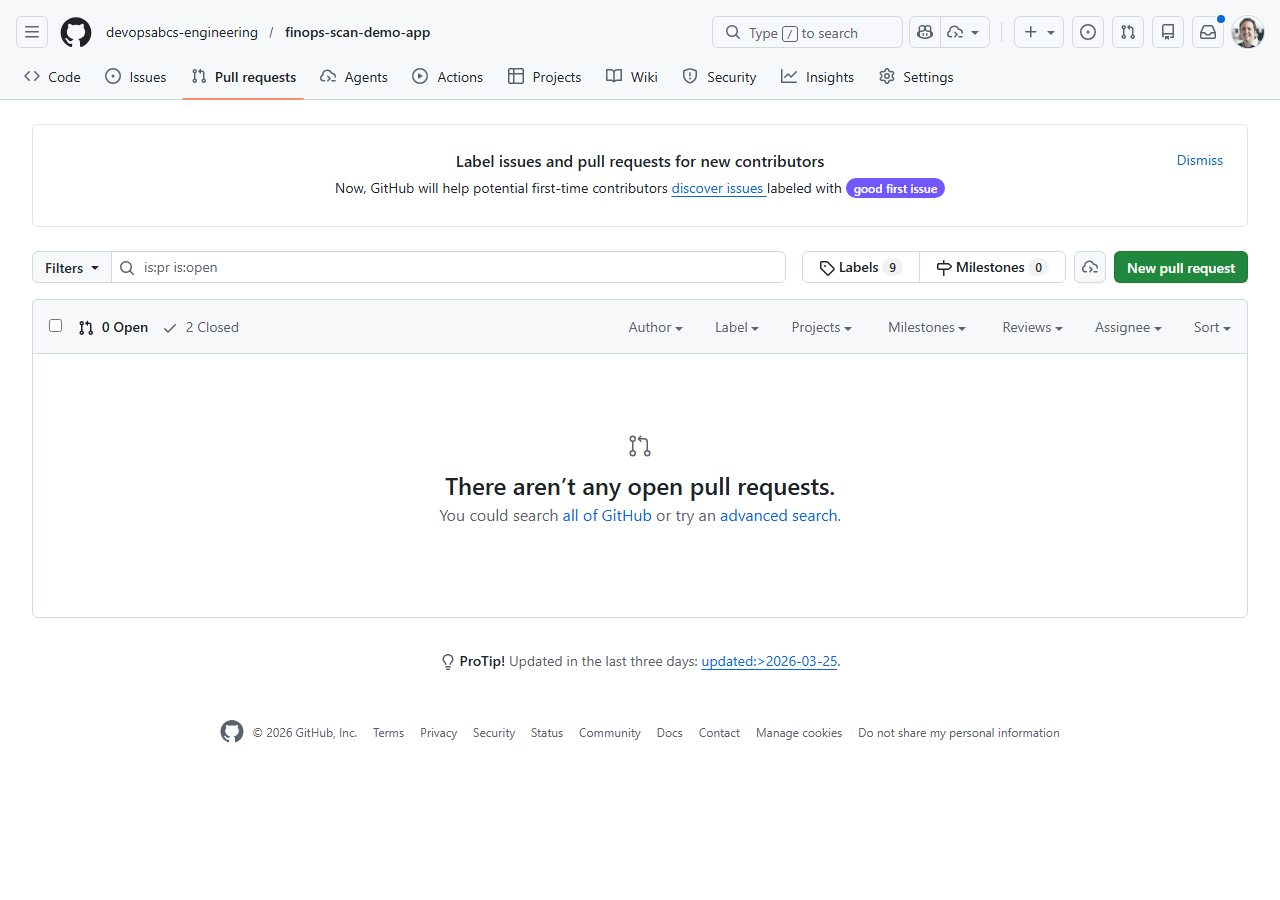
Exercise 7.5: Cost Gate PR
You will create a pull request that changes infrastructure costs and observe the Infracost cost gate in action.
-
Create a new branch:
git checkout -b test/cost-gate-demo -
Open any demo app’s
infra/main.bicepand change a SKU to something more expensive. For example, upgrade app 001’s App Service Plan:sku: { name: 'P3v3', tier: 'PremiumV3' } -
Commit and push the change:
git add . git commit -m "test: upgrade SKU to trigger cost gate" git push -u origin test/cost-gate-demo -
Create a pull request:
gh pr create --title "test: upgrade SKU to trigger cost gate" --body "Testing Infracost cost gate workflow" - Wait for the
FinOps Cost Gateworkflow to run. It:- Generates a cost baseline from the
mainbranch - Runs
infracost diffagainst your PR changes - Posts a cost summary comment on the PR showing the monthly cost impact
- Uploads a SARIF file with cost findings
- Generates a cost baseline from the
-
Review the Infracost comment on the PR. It shows a table with resource-level cost changes and the total monthly impact.
-
Close the PR without merging (this was a test):
gh pr close --delete-branch
[!TIP] The cost gate workflow uses the
--behavior updateflag for the Infracost comment. This means each push to the PR branch updates the existing comment rather than creating a new one, keeping the PR conversation clean.
Exercise 7.6: Deploy and Teardown
You will trigger the deploy-all and teardown-all workflows to understand the full lifecycle.
-
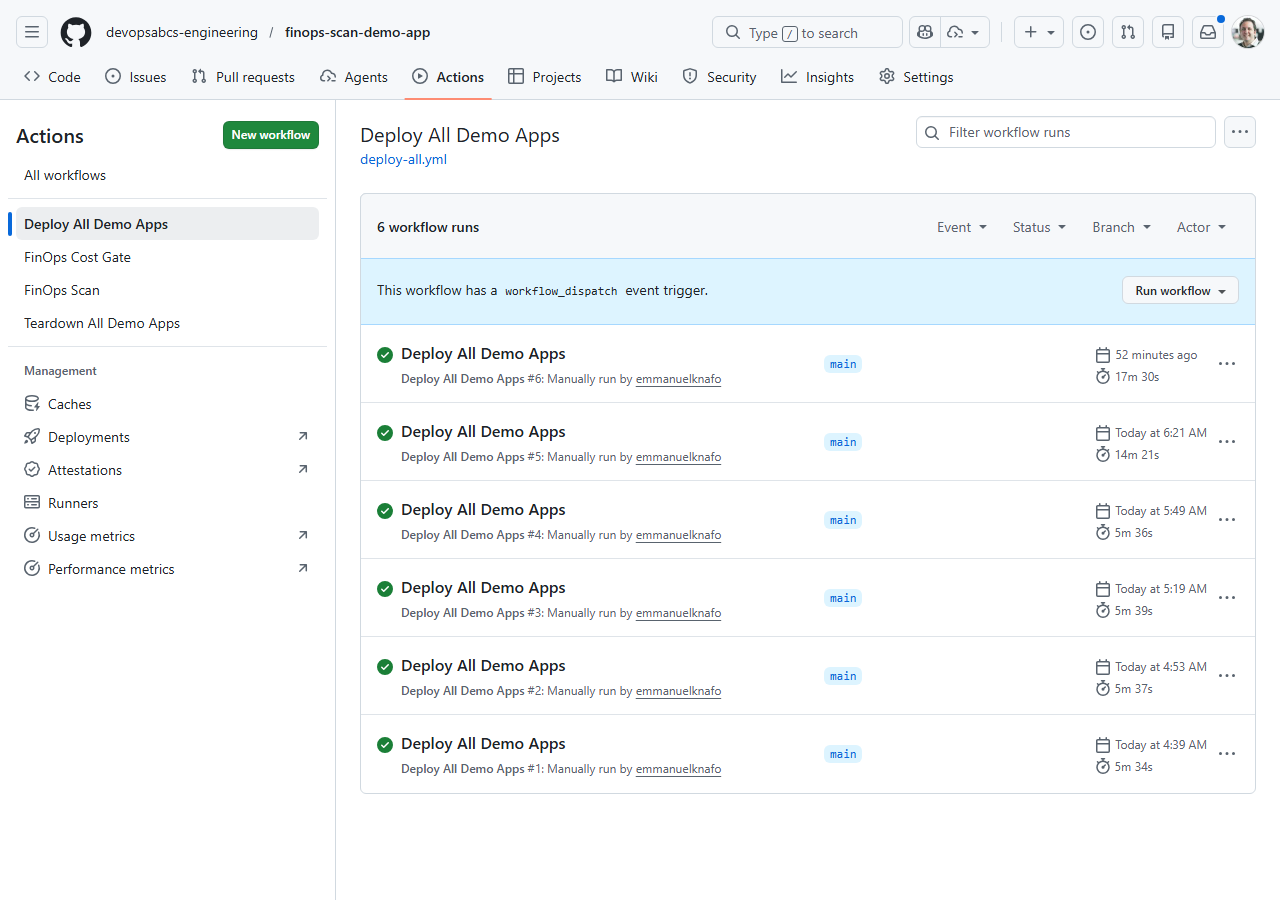
Trigger the deploy-all workflow:
gh workflow run deploy-all.yml -
Monitor the deployment:
gh run watchThe deploy-all workflow deploys all 5 demo apps sequentially. Each app deploys its Bicep template to a dedicated resource group (
rg-finops-demo-001throughrg-finops-demo-005). -
After deployment completes, verify the resources in the Azure Portal or via the CLI:
az group list --query "[?starts_with(name, 'rg-finops-demo')].[name, location]" -o table -
Trigger the teardown-all workflow:
gh workflow run teardown-all.yml -
The teardown workflow requires environment approval. Navigate to the GitHub Actions page and approve the
productionenvironment deployment when prompted. -
After approval, the workflow deletes all 5 resource groups and their contents.
[!IMPORTANT] The teardown workflow uses a
productionenvironment with required reviewers as a safety gate. This prevents accidental deletion. In production FinOps workflows, always use environment protection rules for destructive operations.
Verification Checkpoint
Before completing the workshop, verify:
finops-scan.ymlworkflow ran successfully with matrix jobs- SARIF artifacts uploaded to all 5 demo app repos’ Security tabs
- Cost gate workflow posted an Infracost comment on a pull request
- Can explain the OIDC federated credential subject claim format
Congratulations
You have completed all 8 labs in the FinOps Cost Governance Scanner Workshop. Here is a summary of what you learned:
| Lab | What You Learned |
|---|---|
| Lab 00 | Set up the development environment with all 4 scanner tools |
| Lab 01 | Identified the 5 demo app FinOps violations and the 7 required governance tags |
| Lab 02 | Ran PSRule against Bicep templates for Azure best practice analysis |
| Lab 03 | Ran Checkov for security and CIS benchmark scanning |
| Lab 04 | Ran Cloud Custodian against live Azure resources for runtime violation detection |
| Lab 05 | Used Infracost to estimate costs and compare infrastructure changes |
| Lab 06 | Understood the SARIF format and uploaded results to the GitHub Security tab |
| Lab 07 | Built automated pipelines with matrix strategy, OIDC auth, and PR cost gates |
You now have the skills to implement a complete FinOps scanning platform that:
- Scans IaC templates before deployment (PSRule, Checkov, Infracost)
- Scans live resources after deployment (Cloud Custodian)
- Produces unified SARIF output for all tools
- Integrates with GitHub Security tab for centralised alert management
- Blocks expensive changes with PR cost gates
- Runs automatically on a schedule and on-demand via GitHub Actions