Overview
| Duration | 25 minutes |
| Level | Beginner |
| Prerequisites | Lab 00 |
Learning Objectives
By the end of this lab, you will be able to:
- Describe the 5 demo apps and their intentional FinOps violations
- Read Bicep templates and identify cost governance issues visually
- Explain the 7 required governance tags and their format rules
- Navigate the Azure Portal to view deployed resources and inspect their tags
Exercises
Exercise 1.1: Review Demo App Matrix
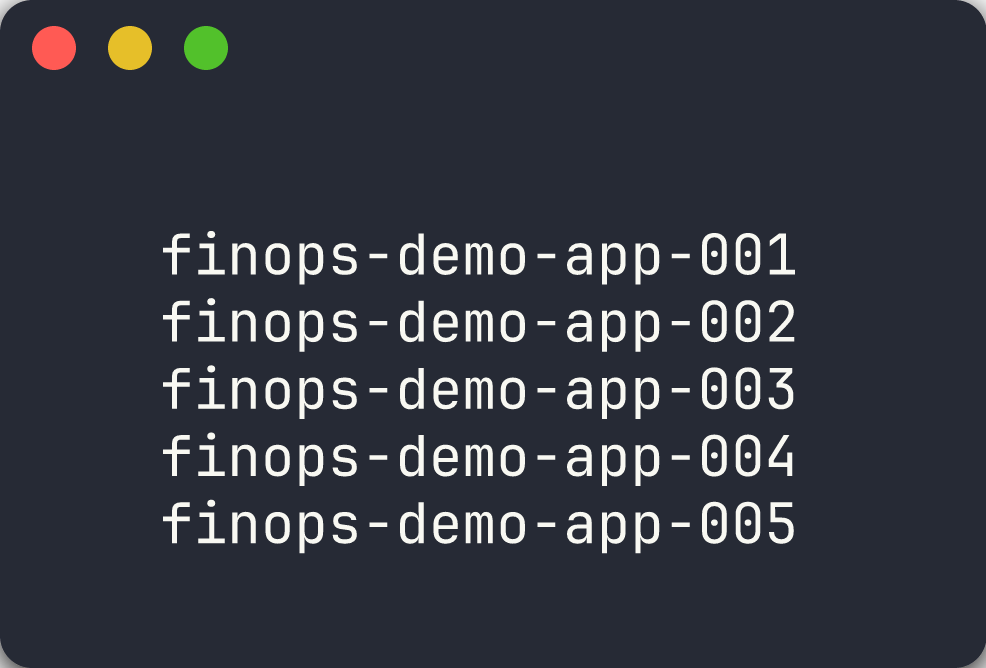
Each demo app is designed to trigger a specific category of FinOps cost governance violation. You will review the full matrix to understand what the scanners will detect.
-
Open the table below and study each app’s violation type, key resources, and estimated monthly waste:
App Violation Key Resources Monthly Waste Est. 001 Missing all 7 required tags Storage Account + App Service Plan + Web App Compliance risk 002 Oversized resources for dev workload P3v3 App Service Plan + Premium Storage ~$800/month 003 Orphaned resources (unattached) Public IP + NIC + Managed Disk + NSG ~$25/month 004 No auto-shutdown on VM D4s_v5 Virtual Machine running 24/7 ~$100/month 005 Redundant/expensive configuration 2× S3 App Service Plans in non-approved regions + GRS Storage ~$450/month -
Note how violations fall into distinct categories: tagging, right-sizing, orphaned resources, scheduling, and redundancy.
-
Consider which scanner tool is best suited for each violation type. You will validate your predictions in Labs 02-05.
Exercise 1.2: Read Bicep Templates
You will open Bicep templates to identify cost governance issues directly in the infrastructure code.
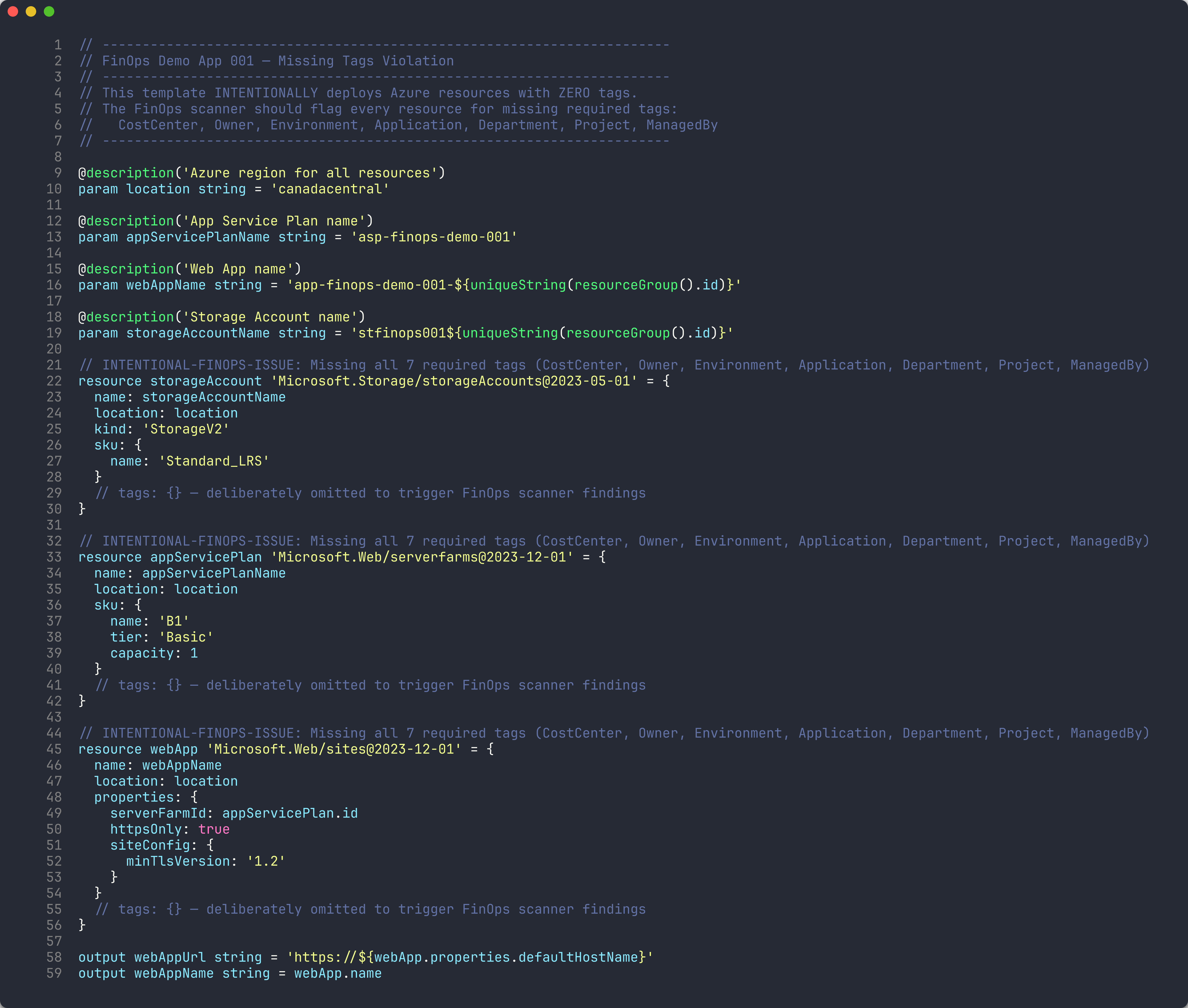
App 001 — Missing Tags
- Open
finops-demo-app-001/infra/main.bicepin VS Code. - Scroll through the three resource definitions:
storageAccount,appServicePlan, andwebApp. -
Notice that none of the resources have a
tagsproperty. Comments in the code confirm this is intentional:// tags: {} — deliberately omitted to trigger FinOps scanner findings - Count the number of resources affected — you should find 3 resources with zero tags.
App 002 — Oversized Resources
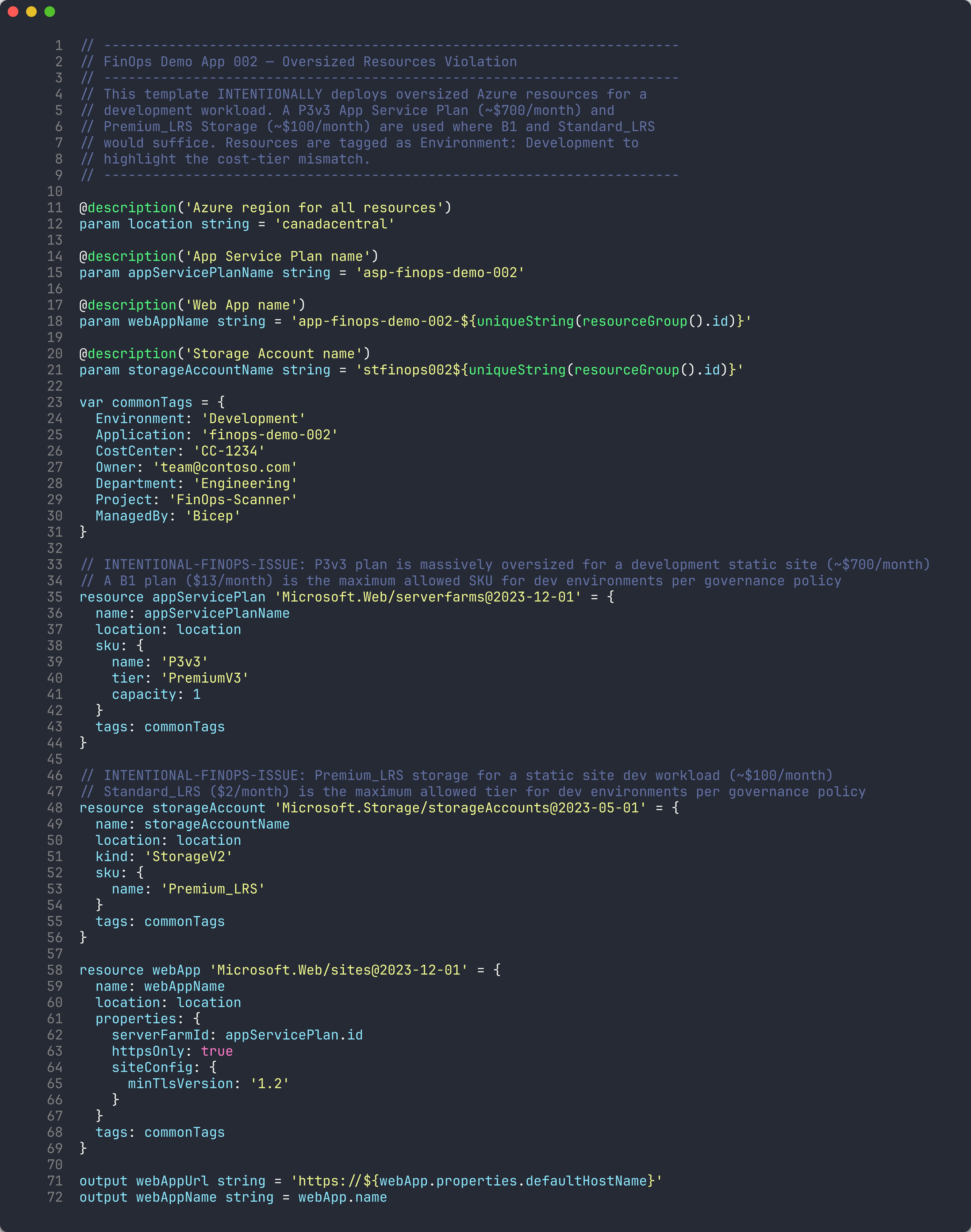
- Open
finops-demo-app-002/infra/main.bicep. -
Find the App Service Plan resource and note the SKU:
sku: { name: 'P3v3' tier: 'PremiumV3' capacity: 1 } -
Compare this against the governance policy: dev environments allow a maximum of B1 (see the SKU Governance table below).
Environment Max App Service Plan Max VM Size Max Storage Tier dev B1 Standard_B2s Standard_LRS staging S1 Standard_D2s_v5 Standard_LRS prod P1v3 Standard_D4s_v5 Standard_GRS - The
commonTagsvariable showsEnvironment: 'Development', confirming this is a dev workload using a production-tier plan.
Exercise 1.3: Governance Tag Checklist
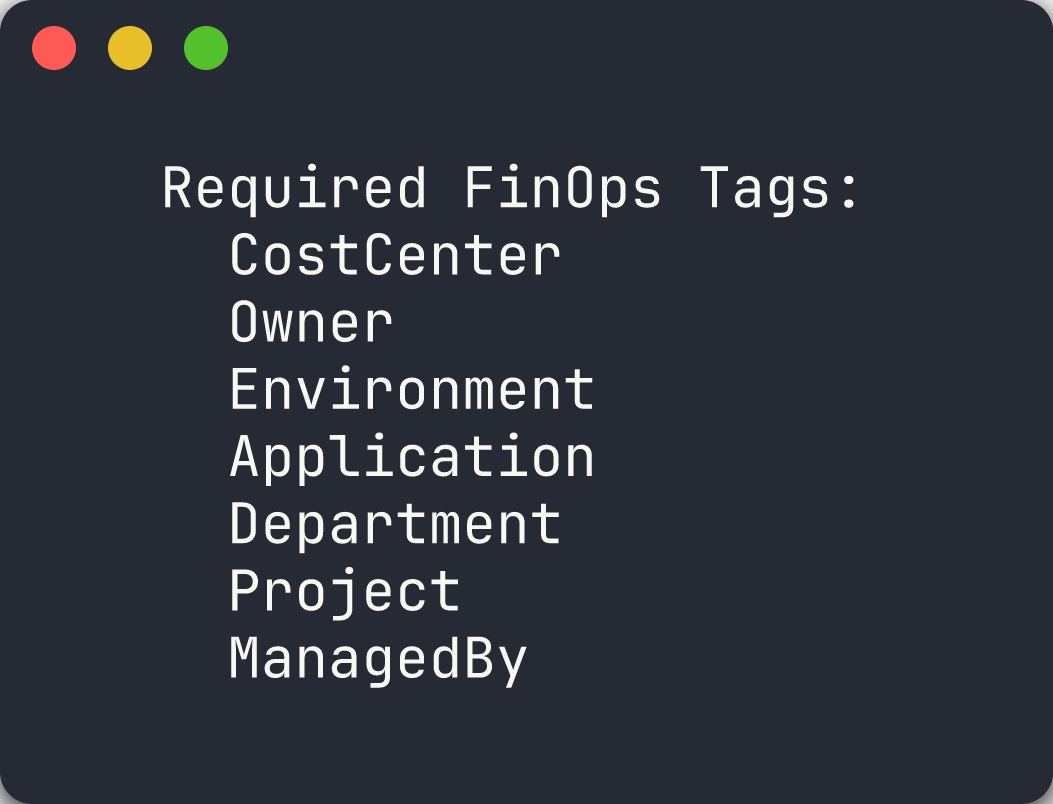
Every Azure resource must include the following 7 tags. You will use this checklist throughout the workshop to evaluate scanner findings.
-
Review the required tags table:
# Tag Name Purpose Example Values 1 CostCenterFinancial cost center for chargeback CC-1234,CC-56782 OwnerResource owner contact team@contoso.com3 EnvironmentDeployment environment dev,staging,prod4 ApplicationApplication identifier finops-demo-0015 DepartmentOrganizational department Engineering,Finance6 ProjectProject name or code FinOps-Scanner7 ManagedByManagement mechanism Bicep,Terraform,Manual - Note the format rules:
- Tag names use PascalCase
- Tag values must not be empty strings
Environmentmust be one of:dev,staging,prod,sharedOwnermust be a valid email addressCostCentermust match patternCC-\d{4,6}
-
Open
finops-demo-app-001/infra/main.bicepagain and confirm that zero of the 7 tags are present on any resource. - Open
finops-demo-app-002/infra/main.bicepand verify that all 7 tags are present in thecommonTagsvariable.
[!TIP] App 001 is the worst offender for tagging compliance. Apps 002-005 all include tags but violate other governance policies (sizing, orphans, scheduling, redundancy).
Exercise 1.4: Azure Portal Exploration
You will view the deployed resources in the Azure Portal to see how violations appear at runtime.
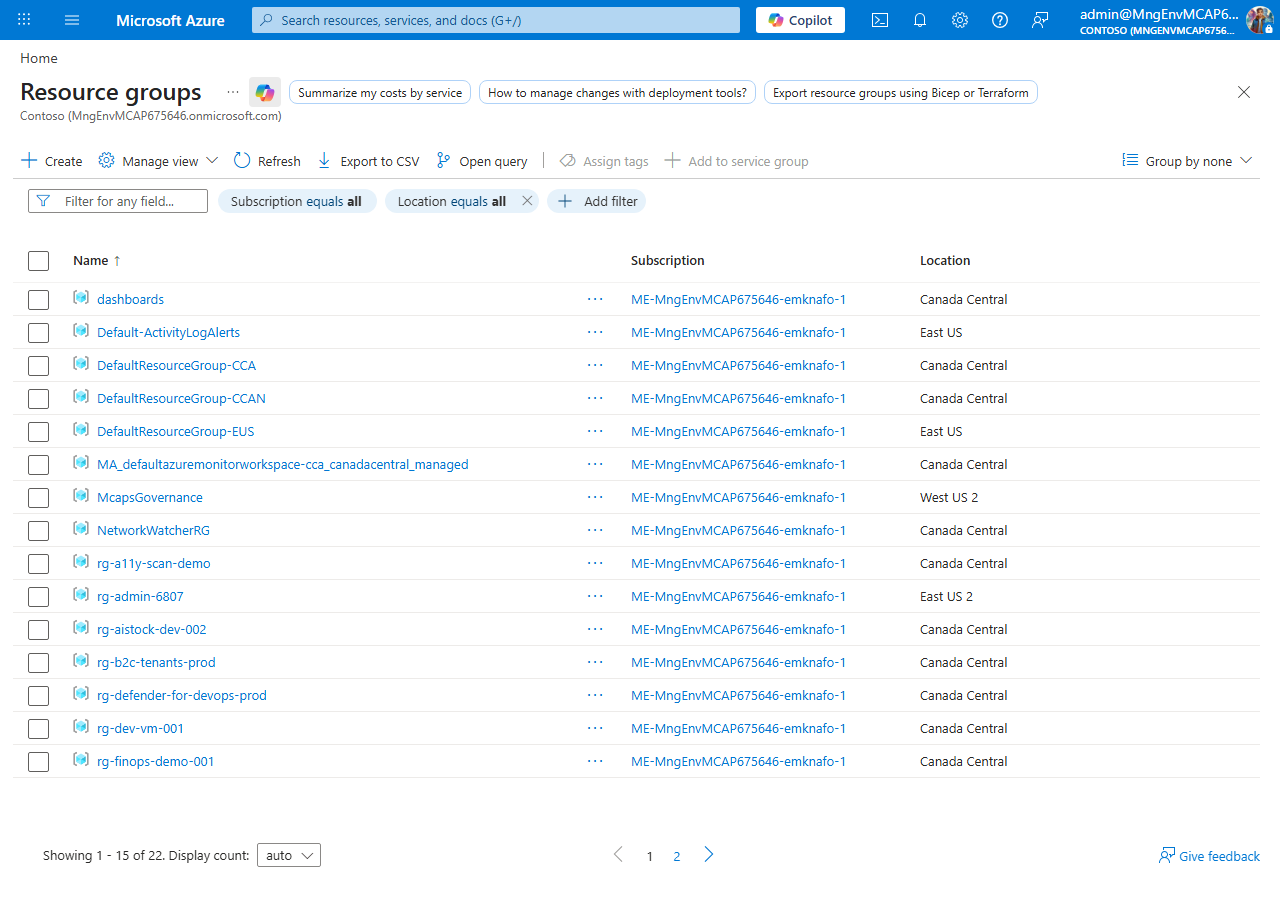
- Open the Azure Portal and navigate to Resource groups.
- Search for
rg-finops-demo-001and open it. - Select any resource (for example, the Storage Account) and click Tags in the left menu.
-
Confirm the tags panel is empty — no tags applied.
- Navigate to
rg-finops-demo-002and open the App Service Plan. - Check the Pricing tier — it should show P3v3.
-
Click Tags and confirm all 7 governance tags are present, but the tier is oversized for a
Developmentenvironment.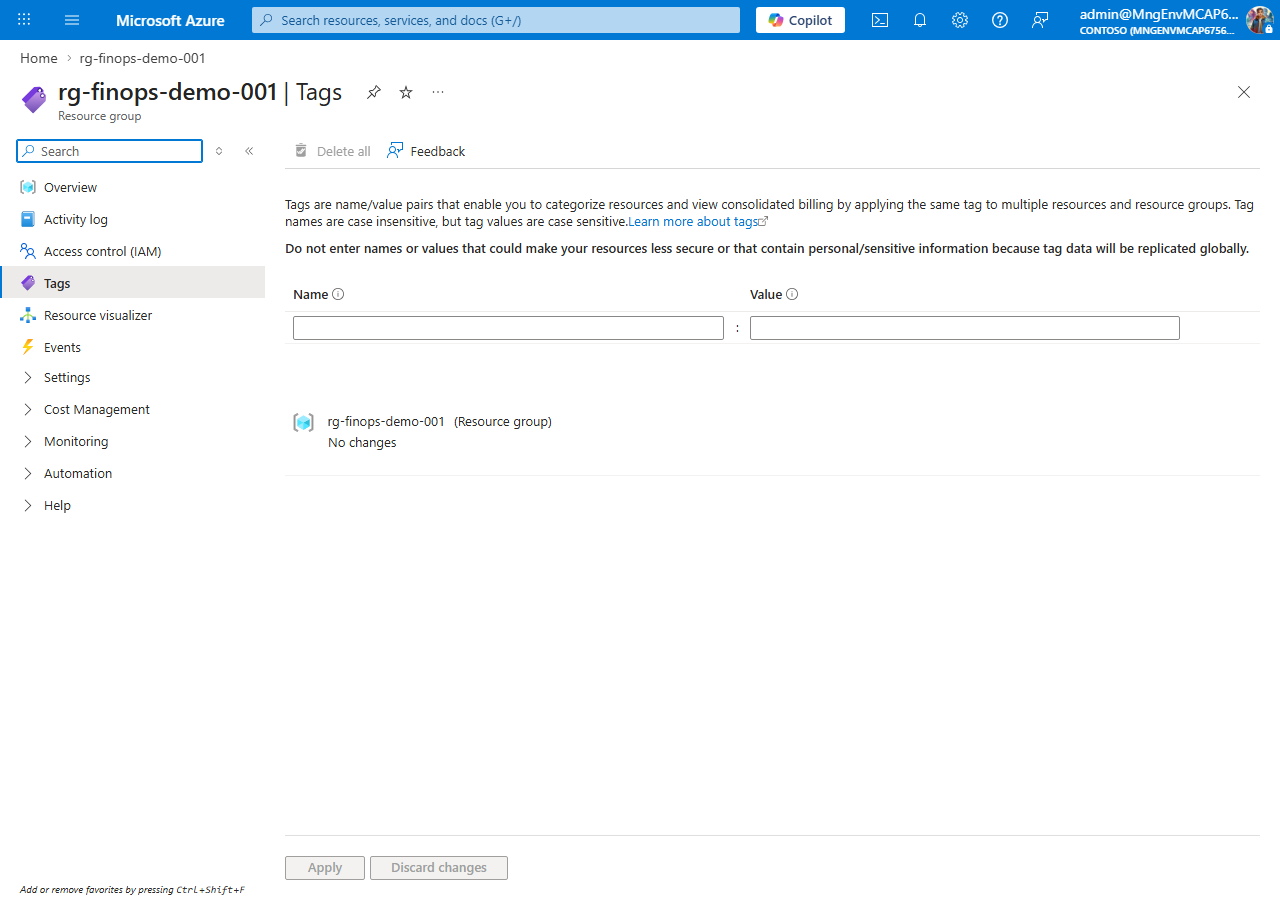
[!IMPORTANT] If resource groups are missing, return to Lab 00, Exercise 0.5 and deploy the demo apps before continuing.
Verification Checkpoint
Before proceeding, verify:
- Can name all 5 violation categories (missing tags, oversized, orphaned, no auto-shutdown, redundant)
- Can identify at least 3 violations by reading Bicep
main.bicepfiles - Can list the 7 required governance tags from memory
- Viewed at least one resource group in the Azure Portal
Next Steps
Proceed to Lab 02 — PSRule: Infrastructure as Code Analysis.