Overview
[!NOTE] This workshop is part of the Agentic Accelerator Framework.
| Duration | 30 minutes |
| Level | Beginner |
| Prerequisites | None |
[!IMPORTANT] This lab requires an Azure subscription with Contributor access and a GitHub account. You will deploy resources that incur costs. Remember to tear down demo resources after the workshop.
Learning Objectives
By the end of this lab, you will be able to:
- Fork and clone the
finops-scan-demo-apprepository - Install the 4 required scanner tools (PSRule, Checkov, Cloud Custodian, Infracost)
- Authenticate with Azure using the Azure CLI
- Verify all tool installations with version checks
- Deploy the 5 demo apps to your Azure subscription
Exercises
Exercise 0.1: Fork the Repository
You will fork the workshop’s source repository so you have your own copy to scan and modify.
- Open a terminal (PowerShell or bash).
-
Fork and clone the repository using the GitHub CLI:
gh repo fork devopsabcs-engineering/finops-scan-demo-app --clone -
Change into the cloned directory:
cd finops-scan-demo-app -
Verify the remote points to your fork:
git remote -vYou should see your GitHub username in the
originURL.
[!TIP] If you do not have the GitHub CLI installed, run
winget install GitHub.clion Windows orbrew install ghon macOS first.
Exercise 0.2: Install Scanner Tools
You will install the 4 scanner tools used throughout the workshop.
-
PSRule for Azure — Install the PowerShell module:
Install-Module PSRule.Rules.Azure -Scope CurrentUser -Force -
Checkov — Install via pip:
pip install checkov -
Cloud Custodian — Install the core package and Azure provider:
pip install c7n c7n-azure -
Infracost — Install the CLI:
# Windows
choco install infracost
# or download from https://www.infracost.io/docs/#quick-start
# macOS / Linux brew install infracost -
Azure CLI — If not already installed:
winget install Microsoft.AzureCLI
[!TIP] Use a Python virtual environment to keep Checkov and Cloud Custodian dependencies isolated:
python -m venv .venv && .venv/Scripts/Activate.ps1(PowerShell) orsource .venv/bin/activate(bash).
Exercise 0.3: Azure Authentication
You will authenticate with Azure so the scanners can access your subscription.
-
Sign in to Azure:
az login -
If you have multiple subscriptions, set the target subscription:
az account set --subscription "<your-subscription-name-or-id>" -
Verify you are authenticated with the correct subscription:
az account show --output tableConfirm the
NameandSubscriptionIdmatch your intended target.

Exercise 0.4: Tool Verification
You will run version checks to confirm every tool is installed correctly.
-
GitHub CLI:
gh --version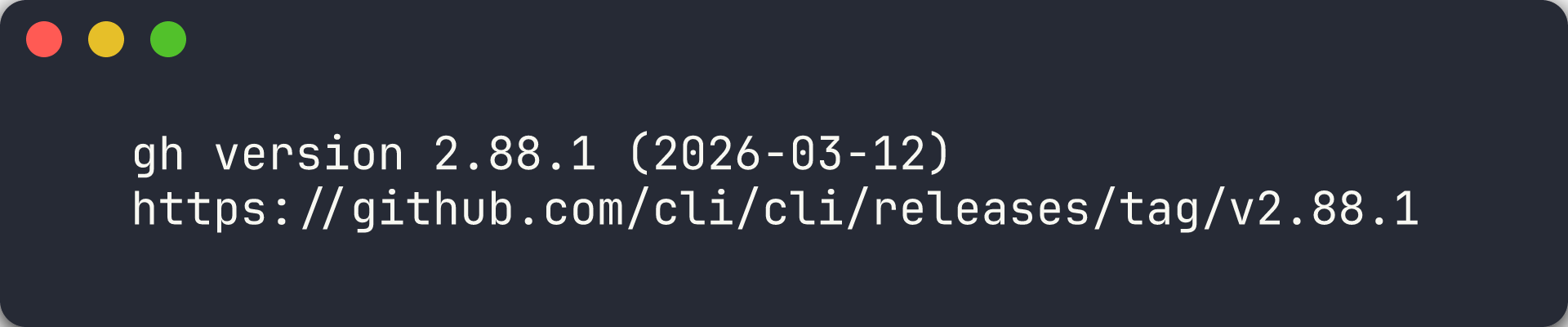
-
PSRule:
Get-Module PSRule.Rules.Azure -ListAvailable | Select-Object Name, Version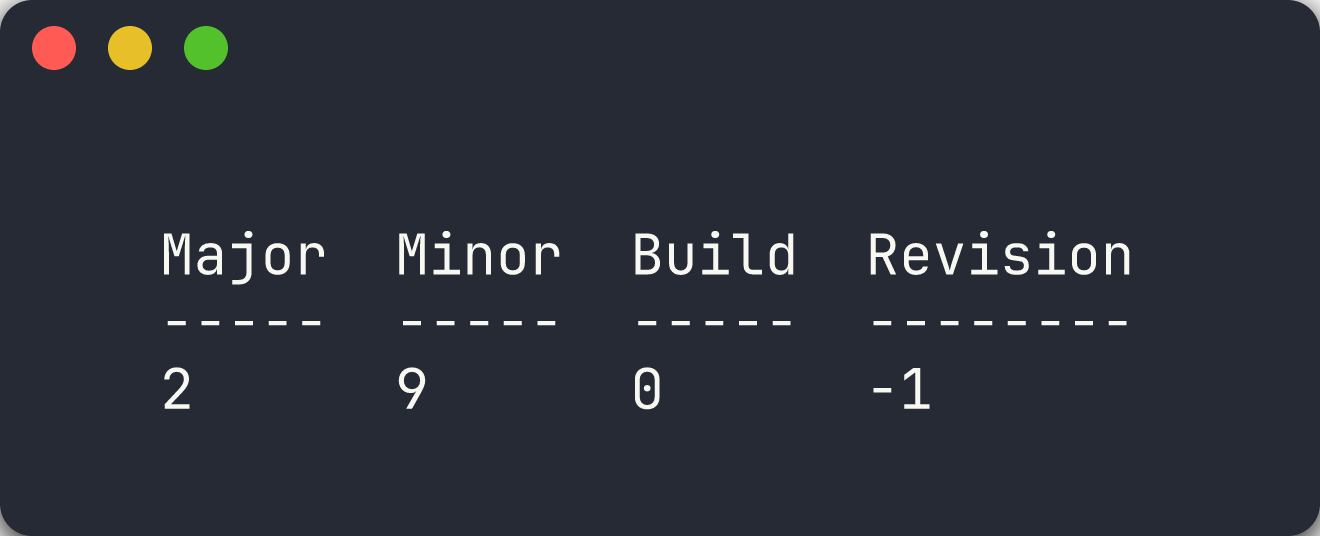
-
Checkov:
checkov --version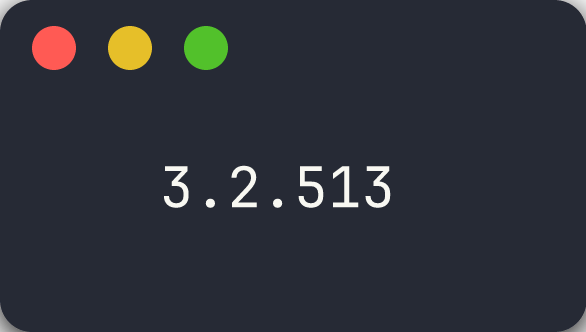
-
Cloud Custodian:
custodian version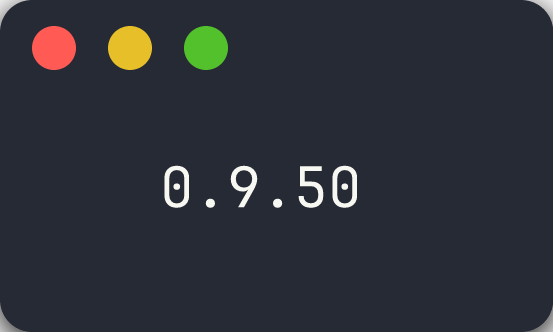
-
Infracost:
infracost --version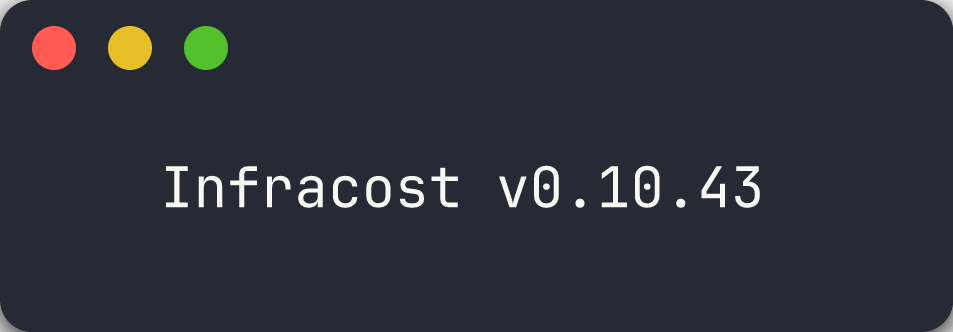
[!CAUTION] If any tool fails the version check, resolve the installation issue before proceeding. Later labs depend on all 4 scanners being available.
Exercise 0.5: Deploy Demo Apps
You will deploy the 5 demo apps to Azure so the scanners have real resources to analyse.
Option A — Automated Deployment (Recommended)
-
Run the bootstrap script from the repository root:
./scripts/bootstrap-demo-apps.ps1The script creates 5 resource groups (
rg-finops-demo-001throughrg-finops-demo-005) and deploys each app’s Bicep template.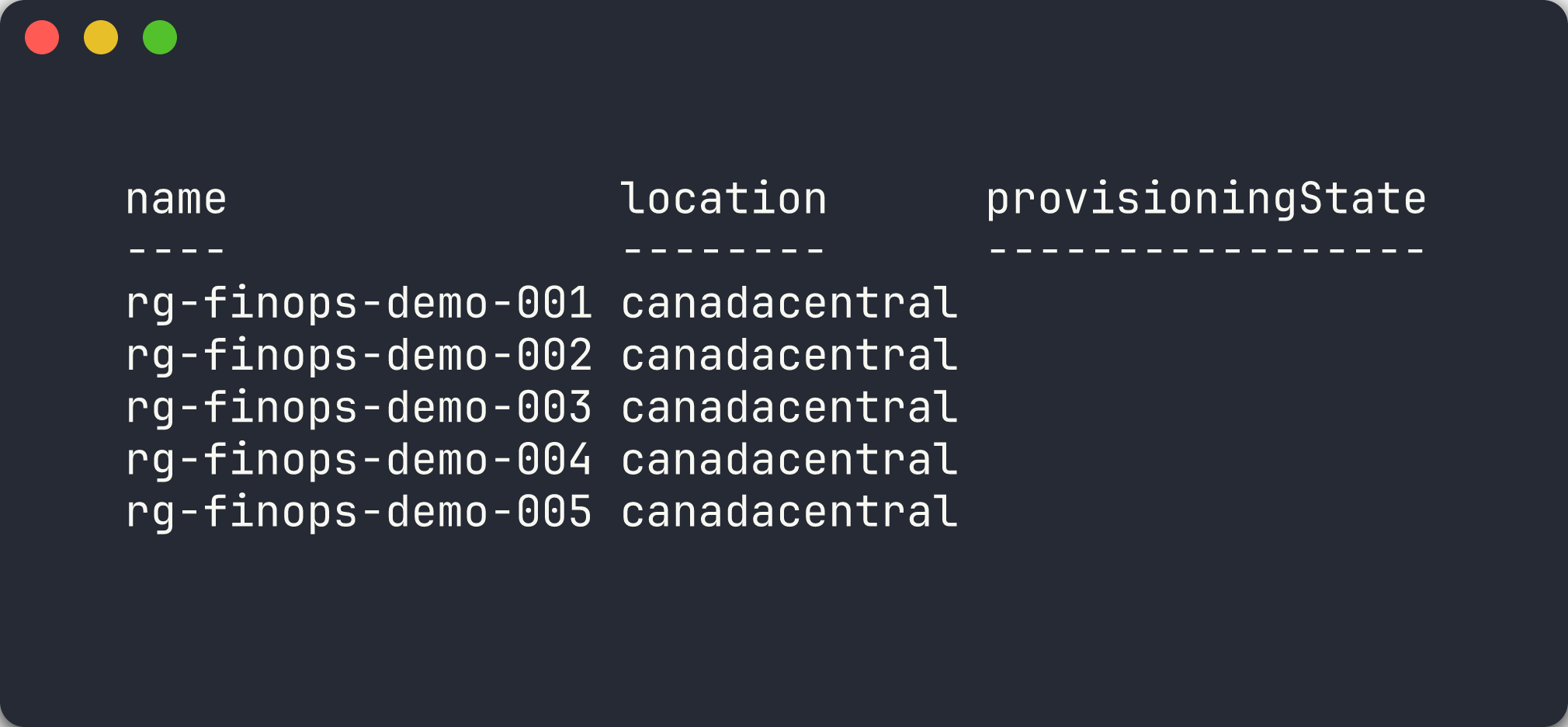
Option B — Manual Single-App Deployment
-
Create the resource group for app 001:
az group create --name rg-finops-demo-001 --location canadacentral -
Deploy the Bicep template:
az deployment group create \ --resource-group rg-finops-demo-001 \ --template-file finops-demo-app-001/infra/main.bicep -
Repeat for additional apps as needed during later labs.
[!IMPORTANT] The demo apps intentionally deploy resources with FinOps violations. These resources incur real Azure costs. Run the teardown script after completing the workshop:
./scripts/teardown-all.ps1.
Verification Checkpoint
Before proceeding, verify:
- Repository forked and cloned locally
- All 4 scanner tools installed and returning version output
- Azure CLI authenticated with the correct subscription
- At least
finops-demo-app-001deployed to Azure
Next Steps
Proceed to Lab 01 — Explore the Demo Apps and FinOps Violations.