Overview
| Duration | 40 minutes |
| Level | Intermediate |
| Prerequisites | Lab 01 |
[!IMPORTANT] This lab requires deployed Azure resources. Ensure at least apps 001, 003, and 004 are deployed before starting. If you have not deployed them, return to Lab 00, Exercise 0.5.
Learning Objectives
By the end of this lab, you will be able to:
- Install and configure Cloud Custodian with the
c7n-azureprovider - Review Cloud Custodian policies for tagging, orphan detection, right-sizing, and idle resources
- Run Cloud Custodian scans against live Azure resources
- Convert Cloud Custodian JSON output to SARIF using the
custodian-to-sarif.pyconverter
Exercises
Exercise 4.1: Review Custodian Policies
You will walk through the 4 policy files in src/config/custodian/ to understand what each one detects.
-
Open the
src/config/custodian/directory and review the policy files listed below. -
Each Cloud Custodian policy file follows the same structure:
policies: - name: policy-name # Unique name for this rule resource: azure.type # Azure resource type to scan filters: # Conditions that flag a violation - type: value key: properties.field value: some-value -
Review the following policy reference table. Each row maps a policy file to the resource it scans and the violation it detects:
Policy File Policy Name Target Resource Violation Detected tagging-compliance.ymlcheck-required-tagsazure.resourcegroupMissing governance tags orphan-detection.ymlfind-orphaned-disksazure.diskdiskState == Unattachedorphan-detection.ymlfind-orphaned-nicsazure.networkinterfacevirtualMachine == nullorphan-detection.ymlfind-orphaned-public-ipsazure.publicipipConfiguration == nullright-sizing.ymldetect-oversized-vmsazure.vmD4s+ VMs in dev/test right-sizing.ymldetect-oversized-plansazure.appserviceplanP-tier/S3 plans in dev/test idle-resources.ymldetect-no-autoshutdownazure.vmDev/test VMs not deallocated -
Open
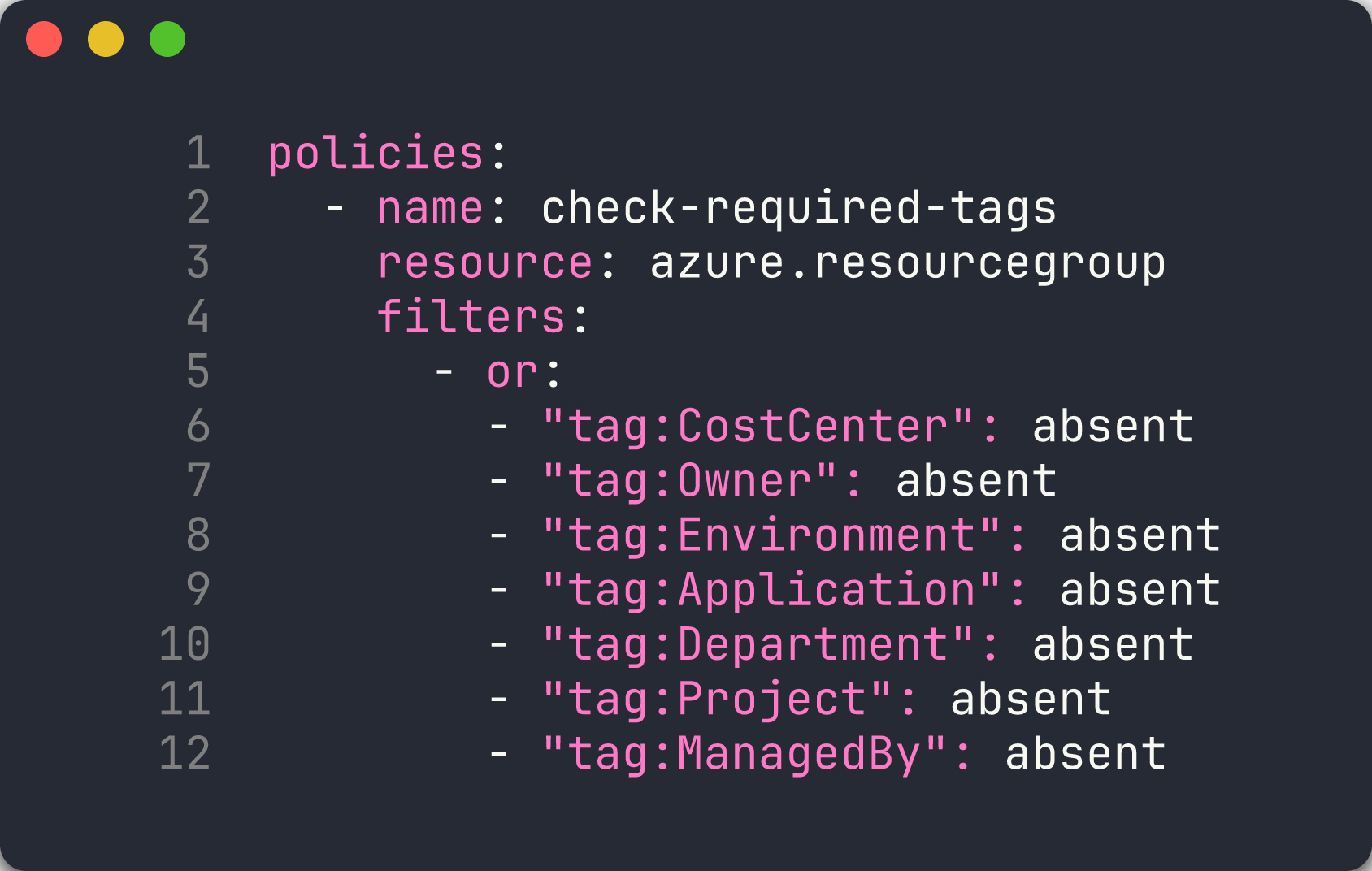
src/config/custodian/tagging-compliance.ymland examine how theorfilter checks for any of the 7 required governance tags being absent:policies: - name: check-required-tags resource: azure.resourcegroup filters: - or: - "tag:CostCenter": absent - "tag:Owner": absent - "tag:Environment": absent - "tag:Application": absent - "tag:Department": absent - "tag:Project": absent - "tag:ManagedBy": absent -
Open
src/config/custodian/orphan-detection.ymland note how each policy targets a different Azure resource type. Thefind-orphaned-diskspolicy looks for disks withdiskState == Unattached, whilefind-orphaned-nicschecks for NICs wherevirtualMachine == null. -
Open
src/config/custodian/right-sizing.ymland observe the two-filter pattern: the first filter matches oversized SKUs (D4s+, P-tier, S3), and the second filter restricts to dev/test environments using theEnvironmenttag. -
Open
src/config/custodian/idle-resources.ymland review how it detects VMs in dev/test that are not deallocated.
[!TIP] Cloud Custodian policies are declarative YAML. Unlike PSRule and Checkov which scan IaC files, Cloud Custodian queries live Azure resources through the Azure Resource Manager API. This means it catches violations that only appear at runtime — such as orphaned resources created outside of IaC.
Exercise 4.2: Run Tagging Compliance
You will run the tagging compliance policy against your deployed Azure resources.
-
Create the output directory:
mkdir -p output -
Run the tagging compliance scan:
custodian run -s output/ src/config/custodian/tagging-compliance.yml --cache-period 0The
-s output/flag sets the output directory. The--cache-period 0flag disables caching so you always get fresh results. -
Review the scan output. Cloud Custodian reports the number of resources matched by each policy.
-
Check the JSON output file:
cat output/check-required-tags/resources.jsonEach entry in the array is an Azure resource group that is missing at least one of the 7 required governance tags. App 001 deploys resources with zero tags, so its resource group should appear.

[!NOTE] Cloud Custodian creates a subdirectory under
output/named after the policy (for example,output/check-required-tags/). Each subdirectory contains aresources.jsonfile with the matched resources and optional metadata files.
Exercise 4.3: Run Orphan Detection
You will scan for orphaned resources that are incurring costs but not attached to any workload.
-
Run the orphan detection scan:
custodian run -s output/ src/config/custodian/orphan-detection.yml --cache-period 0 - This policy file contains 3 separate policies. Each one creates its own output subdirectory:
output/find-orphaned-disks/resources.jsonoutput/find-orphaned-nics/resources.jsonoutput/find-orphaned-public-ips/resources.json
-
Review the orphan results:
cat output/find-orphaned-disks/resources.json cat output/find-orphaned-nics/resources.json cat output/find-orphaned-public-ips/resources.json - App 003 deploys unattached Public IPs, NICs, Managed Disks, and NSGs. You should see findings from this app’s resource group in the output.

[!IMPORTANT] Orphaned resources are one of the most common sources of cloud waste. A single unattached managed disk can cost $5–$75 per month depending on the tier and size. Cloud Custodian can detect these automatically on a schedule.
Exercise 4.4: Run Right-Sizing
You will scan for oversized resources in development and test environments.
-
Run the right-sizing scan:
custodian run -s output/ src/config/custodian/right-sizing.yml --cache-period 0 -
Review the output files:
cat output/detect-oversized-vms/resources.json cat output/detect-oversized-plans/resources.json -
App 002 deploys a P3v3 App Service Plan for a development workload. The
detect-oversized-planspolicy should flag this as a violation because P-tier plans are excessive for dev/test environments. -
App 004 deploys a D4s_v5 VM. The
detect-oversized-vmspolicy should flag this if the resource group has a dev/testEnvironmenttag.

[!TIP] Right-sizing policies work best when you enforce consistent environment tagging. The policies in this workshop only flag oversized resources in environments tagged as
Development,Dev, orTest. Production resources are excluded by design.
Exercise 4.5: Convert to SARIF
You will convert Cloud Custodian’s JSON output to SARIF format for upload to the GitHub Security tab.
-
Create the reports directory:
mkdir -p reports -
Run the SARIF converter:
python src/converters/custodian-to-sarif.py output/ reports/custodian.sarif --resource-group rg-finops-demo-001The
--resource-groupflag filters results to show only resources belonging to the specified resource group. In the automated pipeline, each matrix job passes its own resource group name. -
Open the generated SARIF file and inspect its structure:
cat reports/custodian.sarif - Verify that the SARIF file contains:
- A
tool.driversection withname: "custodian-to-sarif" - A
rulesarray mapping Cloud Custodian policy names to SARIF rule IDs - A
resultsarray with findings that includephysicalLocationpointing toinfra/main.bicep
- A
-
Try converting with a different resource group and compare the output:
python src/converters/custodian-to-sarif.py output/ reports/custodian-003.sarif --resource-group rg-finops-demo-003

[!NOTE] The
custodian-to-sarif.pyconverter addsphysicalLocationwithartifactLocationpointing toinfra/main.bicep. This is required by GitHub Code Scanning — the SARIF spec allows logical-only locations, but GitHub rejects SARIF without a physical file path.
Verification Checkpoint
Before proceeding, verify:
- Cloud Custodian ran at least 2 policies successfully
- JSON output generated in
output/directory with matched resources - SARIF file generated by
custodian-to-sarif.pywith valid structure - Can explain Cloud Custodian policy structure and filter syntax
Next Steps
Proceed to Lab 05 — Infracost: Cost Estimation and Budgeting.