Lab 06: GitHub Security Tab — SARIF Upload
| Duration | Level | Prerequisites |
|---|---|---|
| 30 min | Intermediate | Lab 05 |
Learning Objectives
- Upload SARIF files to GitHub Code Scanning
- Navigate and triage findings in the Security tab
- Understand cross-repo SARIF upload patterns
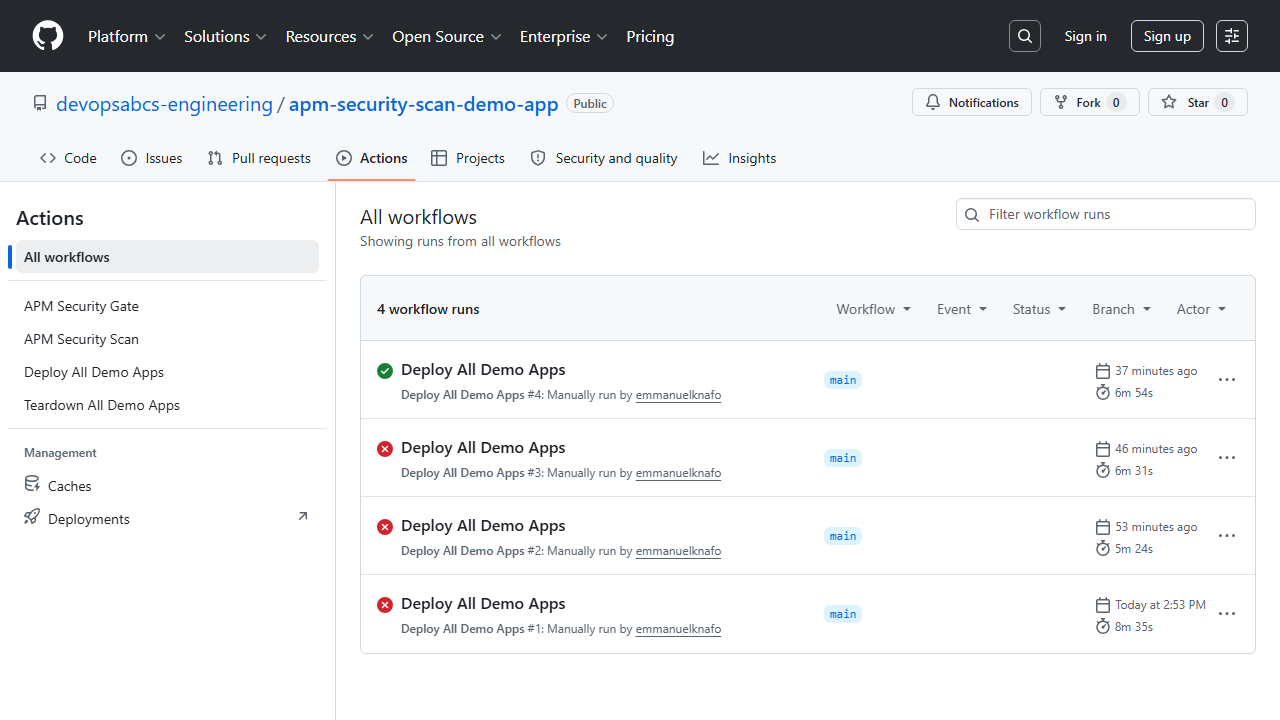
Exercise 1: Run the APM Security Scan Workflow
Navigate to the apm-security-scan-demo-app repository on GitHub and run the apm-security-scan.yml workflow.
Exercise 2: View Findings in Security Tab
After the workflow completes, visit each demo app’s Security > Code scanning tab:
https://github.com/devopsabcs-engineering/apm-demo-app-001/security/code-scanning
Exercise 3: Triage Findings
- Dismiss false positives with a reason
- Open issues for true positives
- Group findings by rule ID
Verification Checkpoint
- Workflow completes successfully
- SARIF findings appear in the Security tab
- You can triage findings (dismiss/open issue)
Next Steps
Proceed to Lab 07: GitHub Actions Pipeline.