Overview
| Item | Value |
|---|---|
| Duration | 45 minutes |
| Level | Intermediate |
| Prerequisites | Lab 03 |
Learning Objectives
By the end of this lab, you will be able to:
- Run three synthetic scenarios through the authenticated web chat and version-pinned CLI helper
- Read a multi-agent trace and identify which specialist node produced which part of the answer
- Verify full-history recall and isolation without native conversation storage
- Recognize a healthy response versus a degraded (tool-unavailable) response
Exercises
You can still invoke Foundry from an approved public client: agent VNet egress does not disable its authenticated public endpoint. A successful response or web-chat session does not prove private Cosmos access or checkpoint persistence. Keep those checks separate using Private Cosmos networking.
Exercise 4.1: Invoke from the CLI
From the repository root in the PowerShell session from Lab 02, use your own environment. The helper requires the Git Bash setup from Lab 00 and the runtime roles from Lab 03. Verify the selected project before invoking:
azd env select $WorkshopEnv
if ((azd env get-value AZURE_RESOURCE_GROUP) -ne $ResourceGroup) { throw 'Wrong resource group' }
azd env get-value FOUNDRY_PROJECT_ENDPOINT
$env:AGENT_NAME = 'threat-assessment-agent'
$env:AGENT_VERSION = bash scripts/record-production-version.sh $env:AGENT_NAME .azure/workshop-agent
$env:AGENT_TEST_PROMPT = 'Assess synthetic device ID CREW-PORTAL-01 and account/user ID crew-admin. Investigate repeated MFA failures followed by a successful login from 203.0.113.45.'
bash scripts/invoke-agent.sh > .azure/workshop-smoke.sse
jq -Rse -f scripts/validate-agent-response.jq .azure/workshop-smoke.sse
The helper creates a version-pinned agent session and sends input with
stream:true and store:false. Do not supply native conversation or
previous_response_id. The contract requires completed assistant text, not
merely HTTP 200. An HTTP 200 stream can still contain a failed SSE event.
Exercise 4.2: Review Three Scenarios
The base workshop does not deploy a web app. Run these three cases through your own agent using the dataset runner in Lab 05. Do not open an instructor’s or customer’s shared staging pilot to complete this exercise.
If your administrator separately provisions an authenticated web chat connected to your project, you can also use the optional UI walkthrough below. Anonymous API access must return 401. Public HTTPS ingress does not mean anonymous API access or private networking.
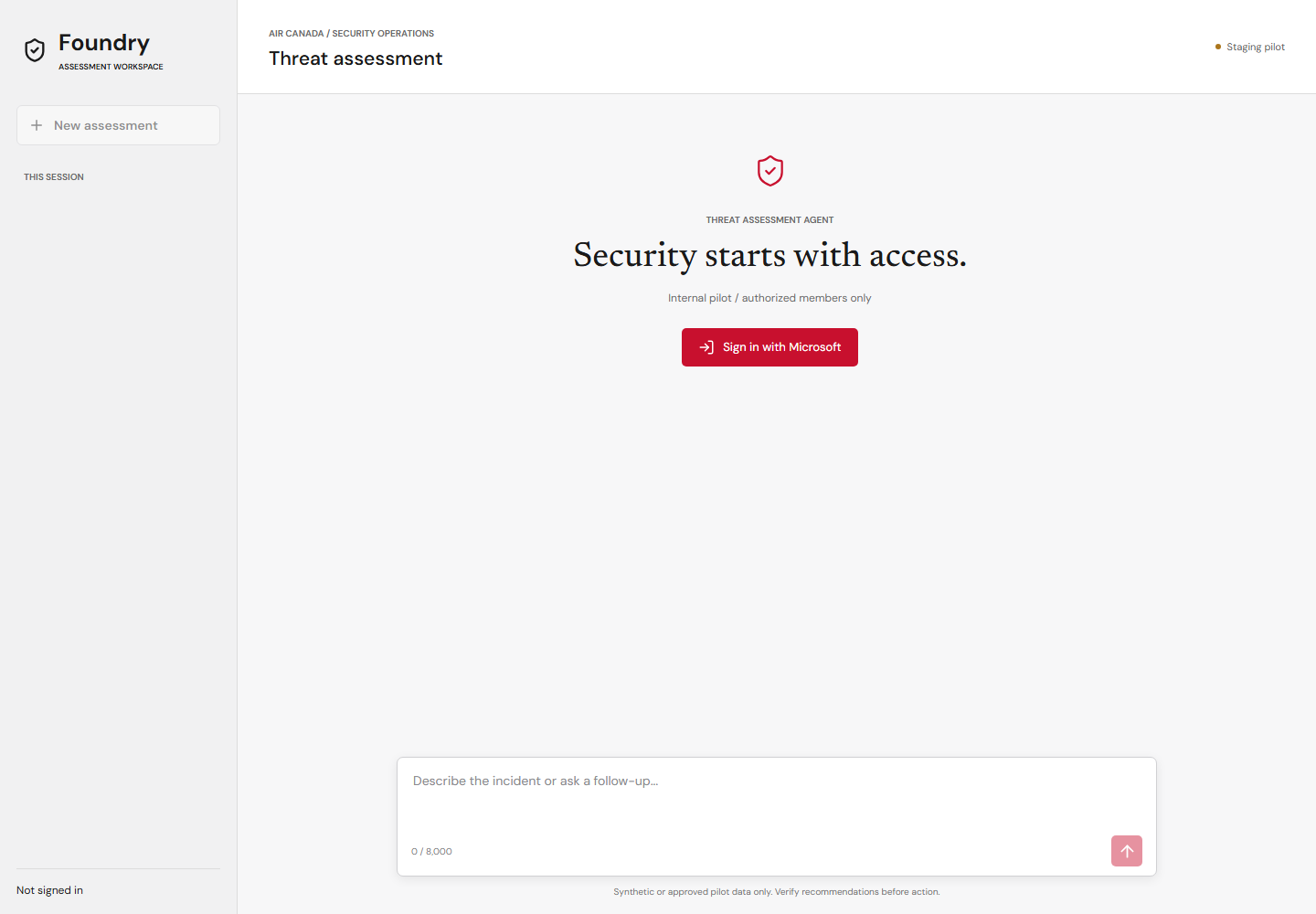
Local visual preview captured on 2026-09-15 with fixture configuration, before sign-in. This is not evidence of authentication, deployment, or a live agent response. View the mobile capture.
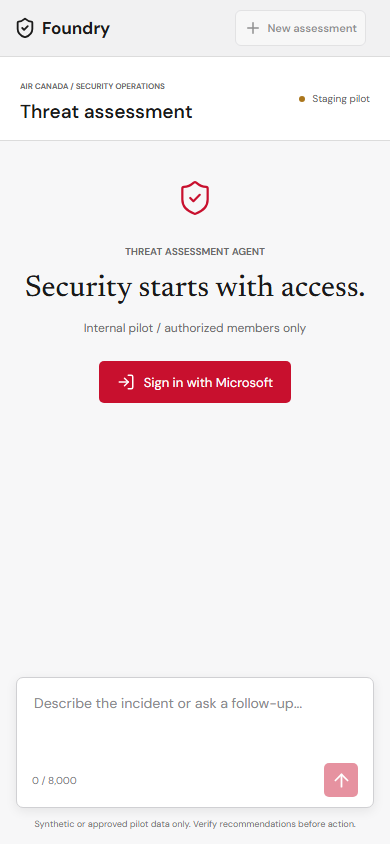
Choose New assessment before each independent scenario. Under Synthetic demo queries, select a sample, inspect or edit the populated composer, then press Send message. Selection alone makes no model call; samples cannot overwrite a nonempty draft or interrupt an active request.
| Sample | Expected MCP calls | Evidence to check |
|---|---|---|
| Suspicious crew-admin login | get_device_risk, list_vulnerabilities, detect_login_anomalies |
CREW-PORTAL-01, crew-admin, repeated MFA failures and success; escalation with explicit evidence limits |
| Approved employee travel | Same three calls | JDOE-LT-01, jdoe, known corporate device and approved travel; no invented compromise |
| Conflicting egress signals | get_device_risk, list_vulnerabilities, score_anomaly |
OPS-DB-02, 900 MB/hour; clean endpoint does not erase a network anomaly |
The exact reviewed prompts are in
samples.js
and match tp-001, fp-001, and conflict-001 in the golden dataset.
They use explicit device/account/metric fields so deterministic lookup planning
can select real calls. A missing metric does not authorize an invented measurement.
The 99th percentile is not the 900 MB/hour measurement.
[!IMPORTANT] MCP transport and tool execution are real, but security data is synthetic. These scenario devices have no vulnerability telemetry; a successful tool call returning that gap is not evidence of zero vulnerabilities. Model prose naming a tool is not a tool receipt.
The Foundry Playground is an optional inspection surface, not the reference history client. A portal request that adds native history identifiers does not match this pilot’s contract. Use the web chat or helper for the supported path.
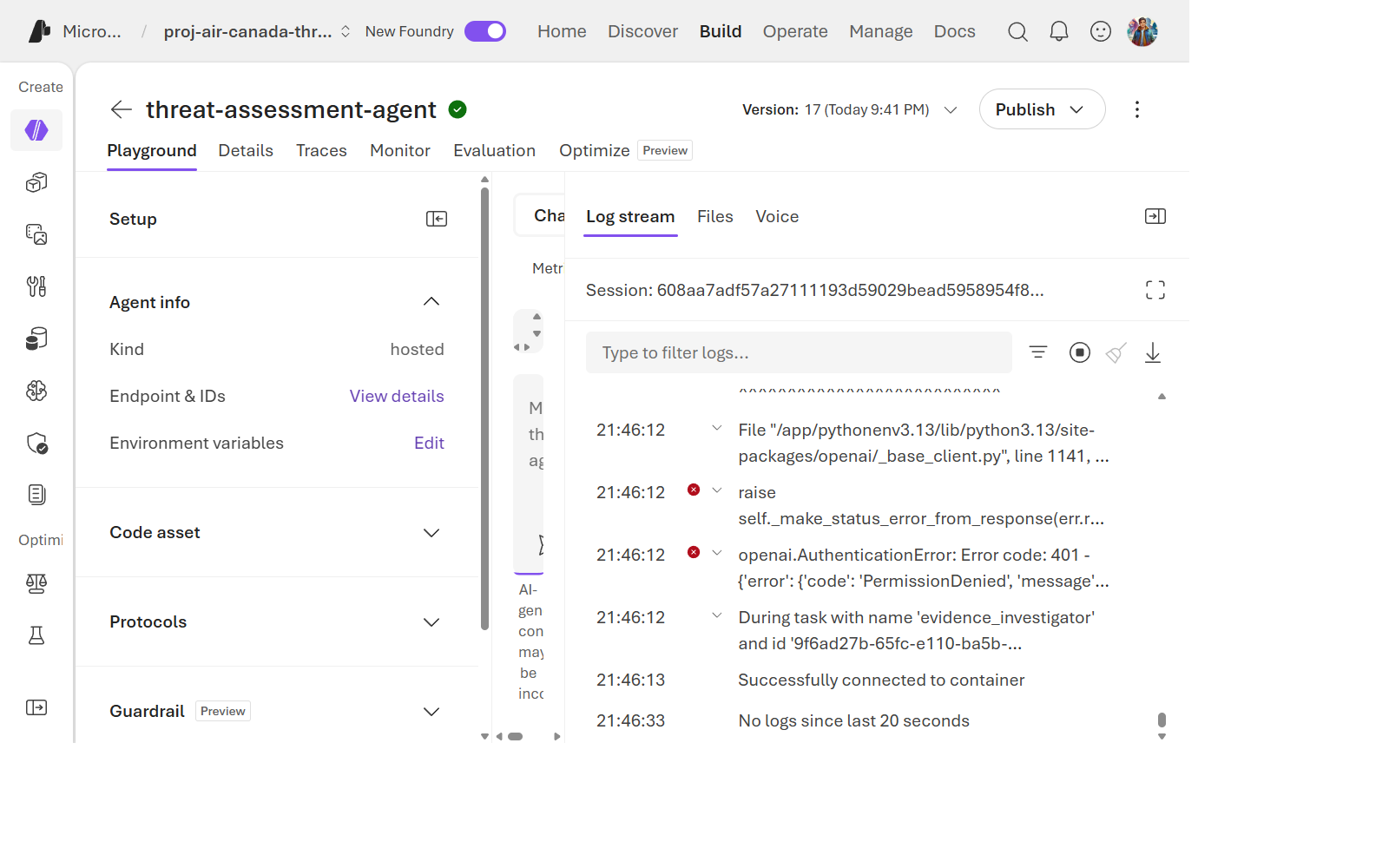
Historical portal screenshot, not the refreshed web chat or current release proof.
Exercise 4.3: Read the Trace
Open Application Insights → Application Map or Transaction search for the agent’s resource group.
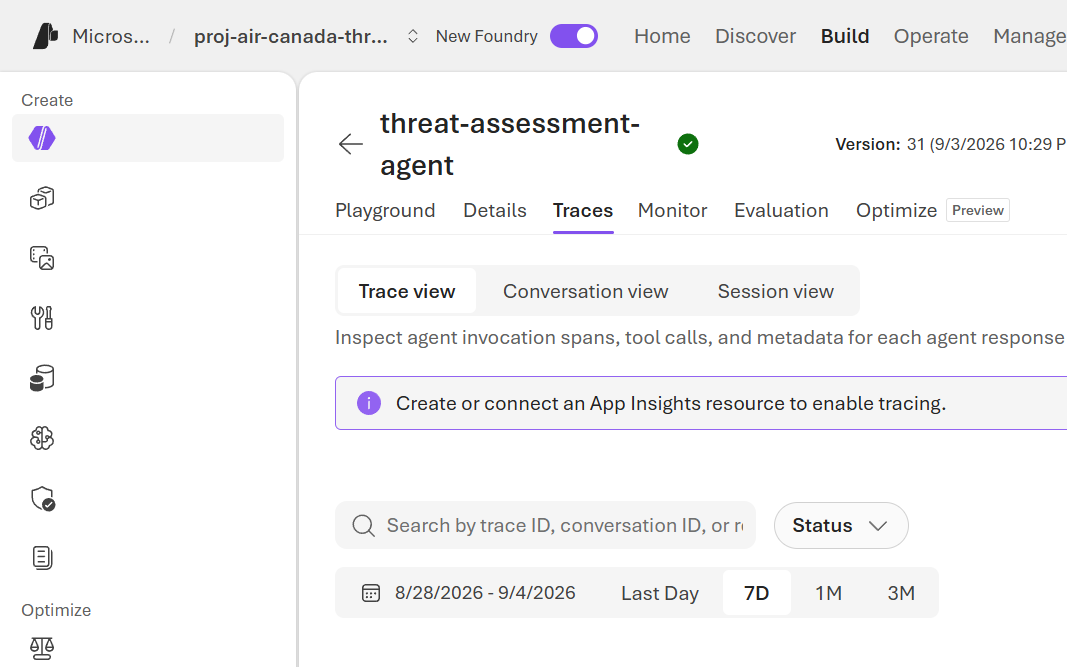
Find the trace for your invocation and identify:
- The supervisor dispatch decision (which specialist ran first).
- The Evidence Investigator’s tool call to
defender-conn. - The Risk Analyst’s tool call to
anomaly-conn. - The Report Composer’s final synthesis span — note it has no outbound tool-call spans, consistent with Lab 01’s tool-isolation design.
For workspace-based Application Insights, query the linked Log Analytics
workspace. In Logs, replace resp_REPLACE with the raw response ID (no JSON
double quotes) from response.completed in the captured SSE:
AppTraces
| where TimeGenerated > ago(30m)
| where Message contains "resp_REPLACE"
| project TimeGenerated, OperationId, Message
Require a matching trace before interpreting a zero AppExceptions count as
healthy. Empty, invalid, or failed queries are not success. Use the operation ID
to correlate dependencies/exceptions; check bounded tool receipts retained in
the evaluation artifacts separately. A matching trace proves ingestion, not
complete span coverage or a sustained-load guarantee.
Exercise 4.4: Recognize a Degraded Response
Compare the golden-dataset example miss-001 (from
eval/golden-dataset.jsonl) — “Defender telemetry is unavailable” — with a
normal response. A degraded response should:
- Never claim the host is clean when data is missing.
- Explicitly state the data gap in a Limitations section.
- Return a completed report when the graph can represent the gap; never treat HTTP 200 alone as success if the SSE contains an error.
This is the evidence_tool_unavailable flag from
Lab 01 surfacing in the actual report text.
Exercise 4.5: Recall, Isolation, and Replay Boundaries
The interactive steps below require the optional web chat. Without it, use the
live full-history checker and backend contract tests in the next section; a
single call to invoke-agent.sh starts a new session and cannot demonstrate recall.
- In the crew-admin assessment, send
Keep investigation reference DEMO-73921 with this assessment. - Ask
What investigation reference did I provide earlier?without repeating the value. Expect the exact reference, identified as user-supplied rather than verified tool evidence. - Start a new assessment and ask the same question. It must not recall the other assessment’s reference. Do not confuse missing history with low risk.
- Inspect
apps/web-chat/app.py: each request carries backend-owned full user/assistant history andstore:false. Browser conversation IDs are owner-bound local session IDs, not native Foundry conversation IDs. - Inspect the backend replay tests: an identical completed message retry with the same idempotency key replays the response; changed text conflicts with HTTP 409. Another owner cannot read the session (404).
Sessions remain in memory with a one-hour TTL and a 20-turn limit. Browser reload loses the local list; backend restart loses session state. There is no durable history, resumable Cosmos checkpointing, or durable exactly-once execution guarantee in this pilot. Teams remains future work.
Exercise 4.6: Test History Without a Web Deployment
Run the same three live history assertions directly against your routed endpoint.
The explicit account argument only accepts a matching aif-fha-learn-* hostname.
$ProjectEndpoint = azd env get-value FOUNDRY_PROJECT_ENDPOINT
$WorkshopAccount = ([uri]$ProjectEndpoint).Host.Split('.')[0]
$ResponsesEndpoint = "$ProjectEndpoint/agents/$env:AGENT_NAME/endpoint/protocols/openai/responses?api-version=v1"
python eval/check_conversation.py --endpoint $ResponsesEndpoint --workshop-account $WorkshopAccount --output-dir .azure/workshop-conversation
Expect 3/3 passed. This proves caller-supplied history behavior on the active
route, not native storage or browser authentication. Inspect the saved streams.
The optional web app has separate owner-isolation and replay tests; its security
properties are not implied by the live CLI check.
Knowledge Check
- What’s the fastest way to see which specialist node handled a given request — the CLI response, or the trace?
- What should a report say when the Evidence Investigator’s tool is unavailable, and what should it never say?
Next Steps
Continue to Lab 05: Evaluations.