Overview
| Item | Value |
|---|---|
| Duration | 35 minutes |
| Level | Intermediate |
| Prerequisites | Lab 02 |
Learning Objectives
By the end of this lab, you will be able to:
- Read an
azure.yamlmanifest that mixes infra services and a hosted agent service - Provision a Foundry project, model deployment, and MCP connections with
azd provision - Deploy the hosted agent’s code with
azd deploy - Locate the deployed agent, its model, and its identity in the Foundry portal
Exercises
Exercise 3.1: Read the Agent Service Definition
Open azure.yaml at the repository root. The threat-assessment-agent
service is the interesting one:
threat-assessment-agent:
    project: ./src/threat-assessment-agent
    host: azure.ai.agent
    language: python
    uses:
        - ai-project
        - security-tools
    codeConfiguration:
        dependencyResolution: remote_build
        entryPoint: main.py
        runtime: python_3_13
    container:
        resources:
            cpu: "0.5"
            memory: 1Gi
    kind: hosted
    protocols:
        - protocol: responses
          version: 2.0.0
Key fields:
| Field | Meaning |
|---|---|
host: azure.ai.agent |
This is a Foundry-hosted agent service, not a container app or function |
kind: hosted |
Foundry operates the session compute; you own only the graph code |
uses: [ai-project, security-tools] |
Wires in the model deployment and the MCP Toolbox from Lab 01 |
dependencyResolution: remote_build |
Foundry builds your Python dependencies server-side from requirements.txt |
protocol: responses |
The agent speaks the OpenAI-compatible Responses protocol (supports streaming) |
Exercise 3.2: Provision
Continue in the same PowerShell session and repository as Lab 02. Do not create another environment or select an instructor’s staging/production environment. Confirm the group and MCP settings before approving the preview.
The network foundation must already exist from Lab 02. The preflight below checks subnets, delegation, the Cosmos DNS link and existing resource network settings. If it reports a migration requirement, stop: adding Foundry network injection or changing an existing Container Apps environment’s network is not a routine update. Do not delete resources to force the exercise through.
azd env select $WorkshopEnv
if ((azd env get-value AZURE_RESOURCE_GROUP) -ne $ResourceGroup) { throw 'Wrong resource group' }
azd env get-value MCP_NAME_PREFIX
azd env get-value MCP_ACR_NAME
azd env get-value DEFENDER_MCP_IMAGE
azd env get-value ANOMALY_MCP_IMAGE
./scripts/test-network-readiness.ps1 -ResourceGroup $ResourceGroup -EnvironmentName $WorkshopEnv `
    -Location $Location -VnetName $VnetName -McpNamePrefix $McpPrefix
azd provision --preview
azd provision
This creates (or confirms) the Foundry account, project, gpt-4o-mini
model deployment, and two project connections (defender-conn,
anomaly-conn). The next step deploys the security-tools Toolbox and agent
code. The learner environment starts at 10k tokens/minute, not the larger
staging capacity. Region availability and subscription quota can vary; stop
and ask your administrator if deployment reports insufficient quota.
Foundry remains publicly reachable for authenticated clients, while hosted agent egress uses its dedicated subnet. Cosmos checkpoint storage is still optional and is not created or enabled by this step. Public Foundry access does not bypass a private Cosmos firewall. See Private Cosmos networking before running that experiment. Source-code remote builds also need the documented outbound endpoints; do not block all subnet egress as part of this hybrid setup.
If the CLI is interrupted, first inspect Deployments in your new resource
group. If the ARM deployment succeeded, recover outputs with azd env refresh
instead of recreating resources. If it failed, read that deployment’s error.
A model-catalog warning alone does not prove failure: verify the actual
gpt-4o-mini deployment is Succeeded in your Foundry account.
Exercise 3.3: Deploy the Agent
azd env set APP_VERSION "0.0.0-dev"
azd deploy
This step uploads src/threat-assessment-agent/ and builds it remotely
per dependencyResolution: remote_build. Record the returned version;
unchanged source may reuse a version. Deployment success does not yet prove
the runtime can call its model or Toolbox.
Grant the instance identity the two required runtime roles using the existing helper. It resolves the account from this environment and grants only missing roles: Foundry User and Cognitive Services OpenAI User. Your operator identity needs role-assignment permission on this account; do not grant yourself subscription-wide access to work around a denial.
bash scripts/configure-agent-rbac.sh threat-assessment-agent
Use the Git Bash setup from Lab 00 on Windows. The helper is safe to rerun after a redeployment that changes the instance identity. Role propagation can take several minutes; validate an actual response in Lab 04 before proceeding.
Troubleshooting:
no Foundry project endpoint resolvedIf
azd deployfails on thesecurity-toolsorthreat-assessment-agentservice with this error, your environment was provisioned before the Foundry project endpoint was added as a bicep output. Re-runazd provisionto pick it up, or set it manually for this environment:azd env set FOUNDRY_PROJECT_ENDPOINT "https://<accountName>.services.ai.azure.com/api/projects/<projectName>"
<accountName>and<projectName>are theaccountName/projectNamevalues already in your.azure/<env>/.envfile.
Troubleshooting:
failed to resolve connection "defender-conn"(oranomaly-conn)This means the connection doesn’t exist yet on the Foundry project. The
defender-conn/anomaly-connToolbox connections are created byazd provisionfrom bicep (not byazd deploy), so if your environment was provisioned before these connections were added as bicep resources, they were never created. Re-runazd provisionto create them, then retryazd deploy.
Troubleshooting:
AZURE_AI_PROJECT_ID is not setThe
threat-assessment-agentservice needs the Foundry project’s ARM resource ID (distinct fromFOUNDRY_PROJECT_ENDPOINT). If your environment was provisioned before this was added as a bicep output, re-runazd provisionto pick it up, or set it manually:azd env set AZURE_AI_PROJECT_ID "/subscriptions/<subscriptionId>/resourceGroups/<resourceGroup>/providers/Microsoft.CognitiveServices/accounts/<accountName>/projects/<projectName>"
Exercise 3.4: Find the Agent in the Portal
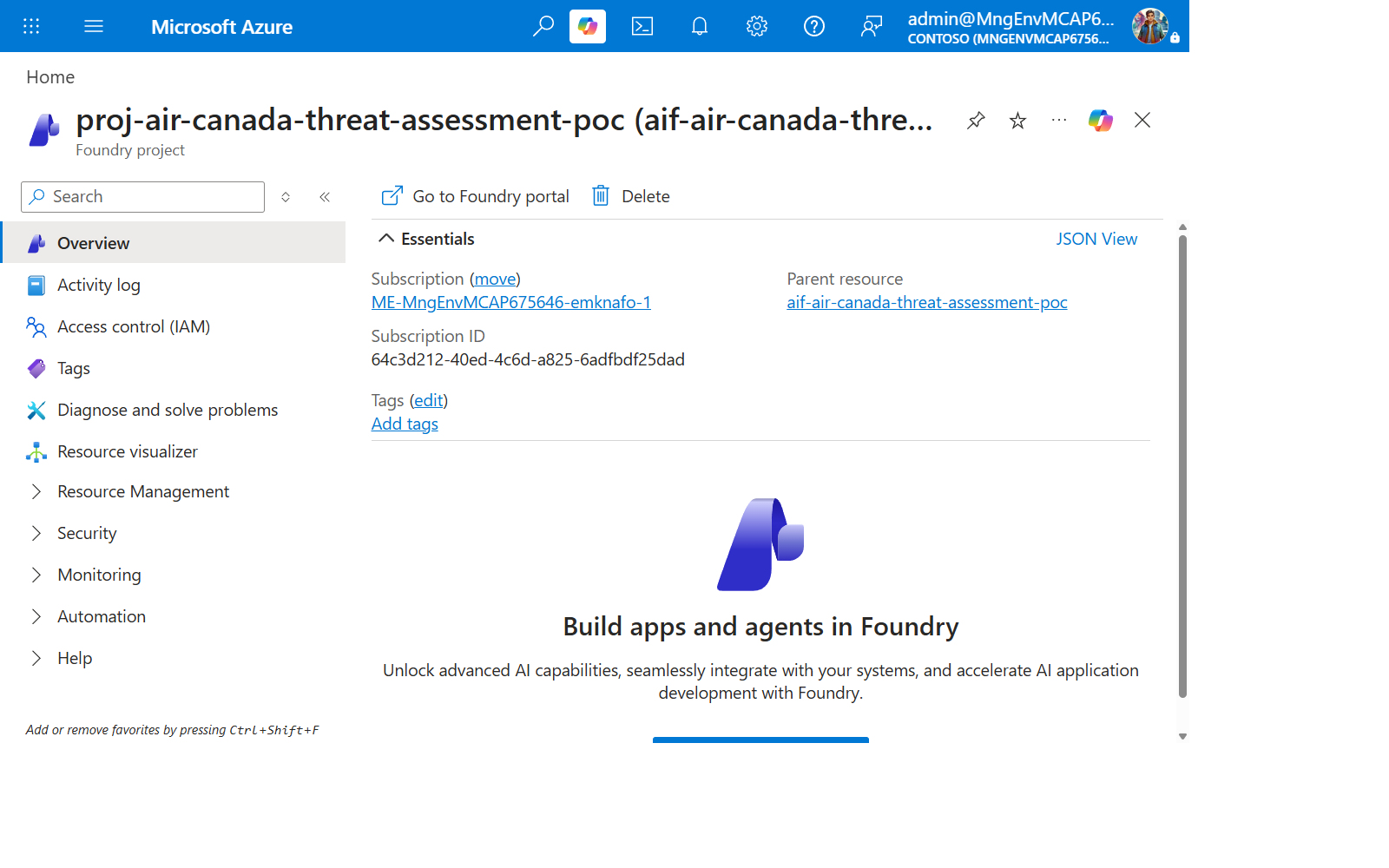
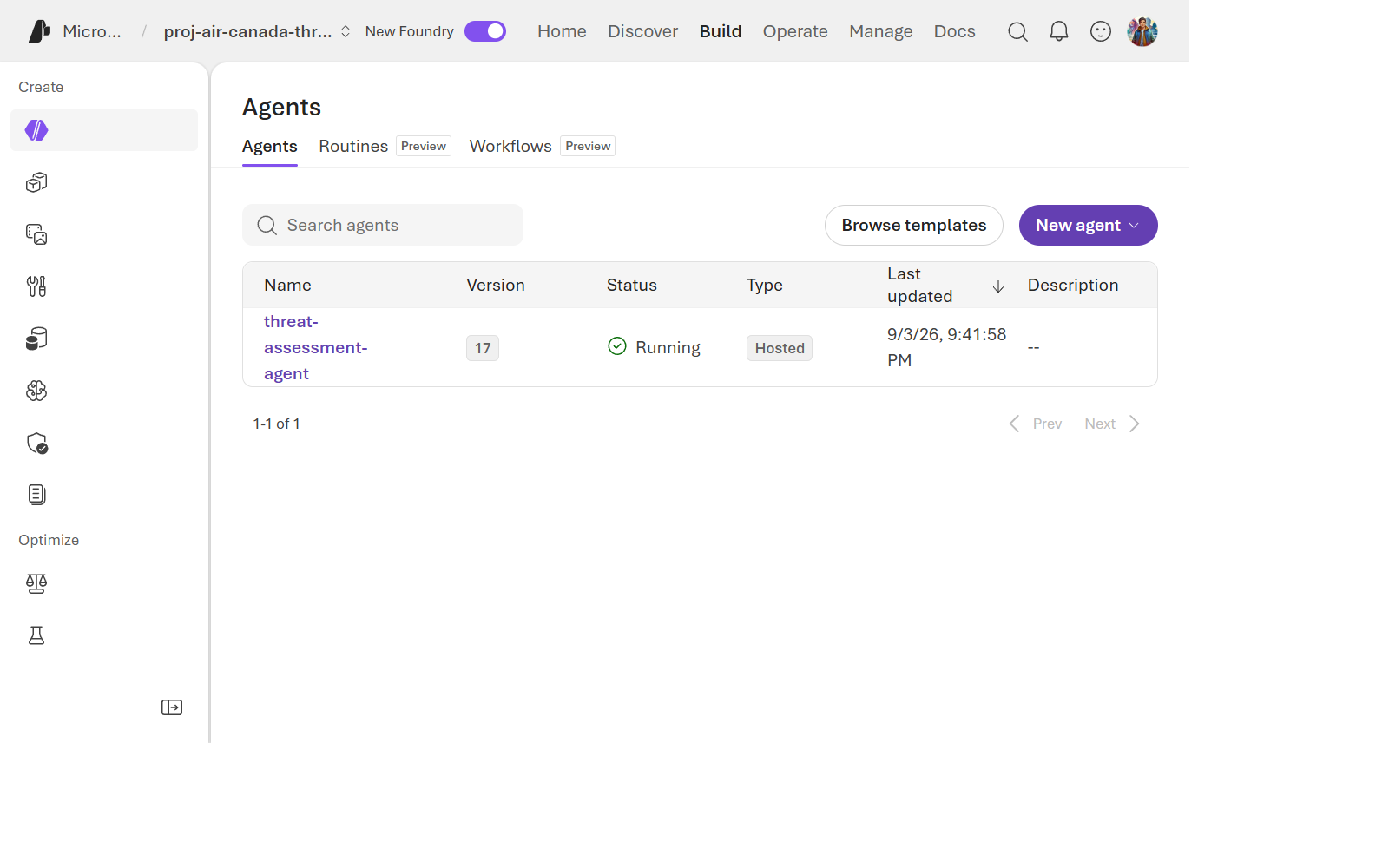
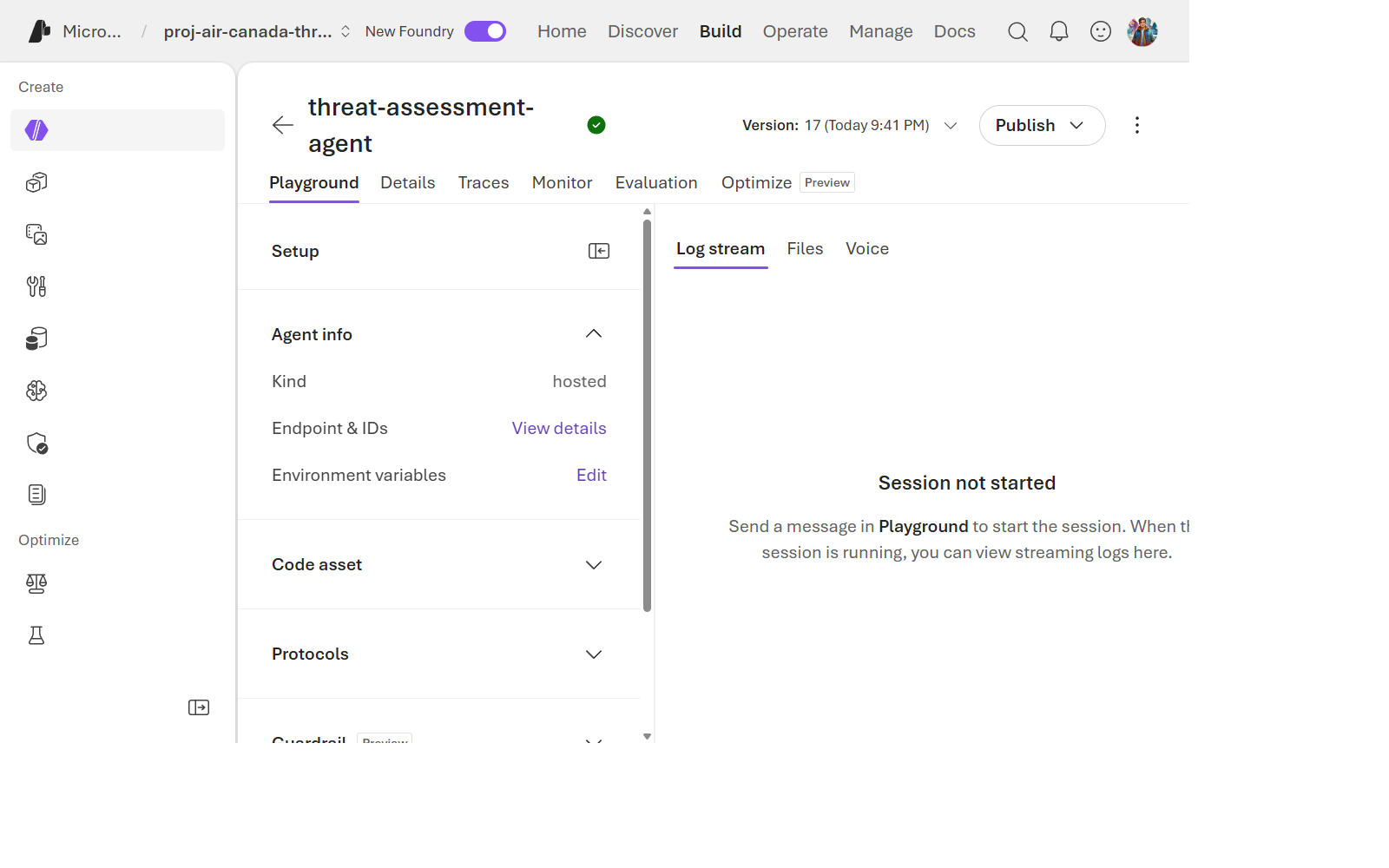
Navigate to your Foundry project in the portal and confirm you can see:
- The
threat-assessment-agentin the agents list, with a version number. - The agent’s detail page, showing its model (
gpt-4o-mini) and Toolbox (security-tools). - A dedicated Entra ID identity was auto-created for this agent at deploy time — you did not manually wire a managed identity. Find it under the agent’s Identity tab.
[!TIP] This auto-created “Instance Identity” is what actually calls Azure OpenAI and the MCP Toolbox at runtime. It’s the same identity you’ll investigate with
az role assignment listin Lab 07.
Knowledge Check
- What does
remote_buildmean, and why might that matter for a large dependency likelanggraph? - Where does the agent’s runtime identity come from — did you create it?
- Name the two Toolbox connections wired into this agent, and which specialist node uses which.
Next Steps
Continue to Lab 04: Invoke the Agent and Read Traces.